
- English
- Deutsch
- Español
- Français
- Italiano
- Português
PRTG collects solar energy system telemetry using industry-standard protocols: Modbus TCP/RTU, HTTP Push/REST APIs, SNMP, MQTT, and OPC UA. It stores historical data, fires threshold-based alerts when system performance degrades and publishes dashboards and automated reports. Worth noting: PRTG is vendor-agnostic, but your inverters need to support open protocols for solar panel monitoring to work. There's also setup work involved. Register mapping for Modbus is the most hands-on part. REST templates for cloud APIs or custom scripts for proprietary formats add complexity depending on what you're working with. PRTG handles energy monitoring across protocols, not through vendor-specific integrations.
Supported technologies: Modbus TCP/RTU (SunSpec where available) · HTTP Push / HTTP IoT Push Data Advanced · REST Custom / REST v2 · SNMP · MQTT · OPC UA · Script v2 / EXE Advanced · PRTG Data Hub for log forwarding

Solar monitoring systems are fragmented by design. Your inverter manufacturer gives you a cloud portal showing DC input, AC output, and daily energy totals. Your network team monitor switches, routers, and WAN links all with entirely separate tools. Nobody designed this situation intentionally. It's just how things ended up.
PRTG consolidates solar production data with your existing IT infrastructure monitoring. Using Modbus TCP/RTU sensors for inverter telemetry, SNMP for networked power meters, and remote probes for multi-site connectivity, PRTG brings solar array health and IT infrastructure status into one place. The map view alone tends to be what facilities managers notice first: all arrays geographically, drill into any site from there.
What this gives you:

Live graphs, real-time performance data

Scheduled reports, always on time
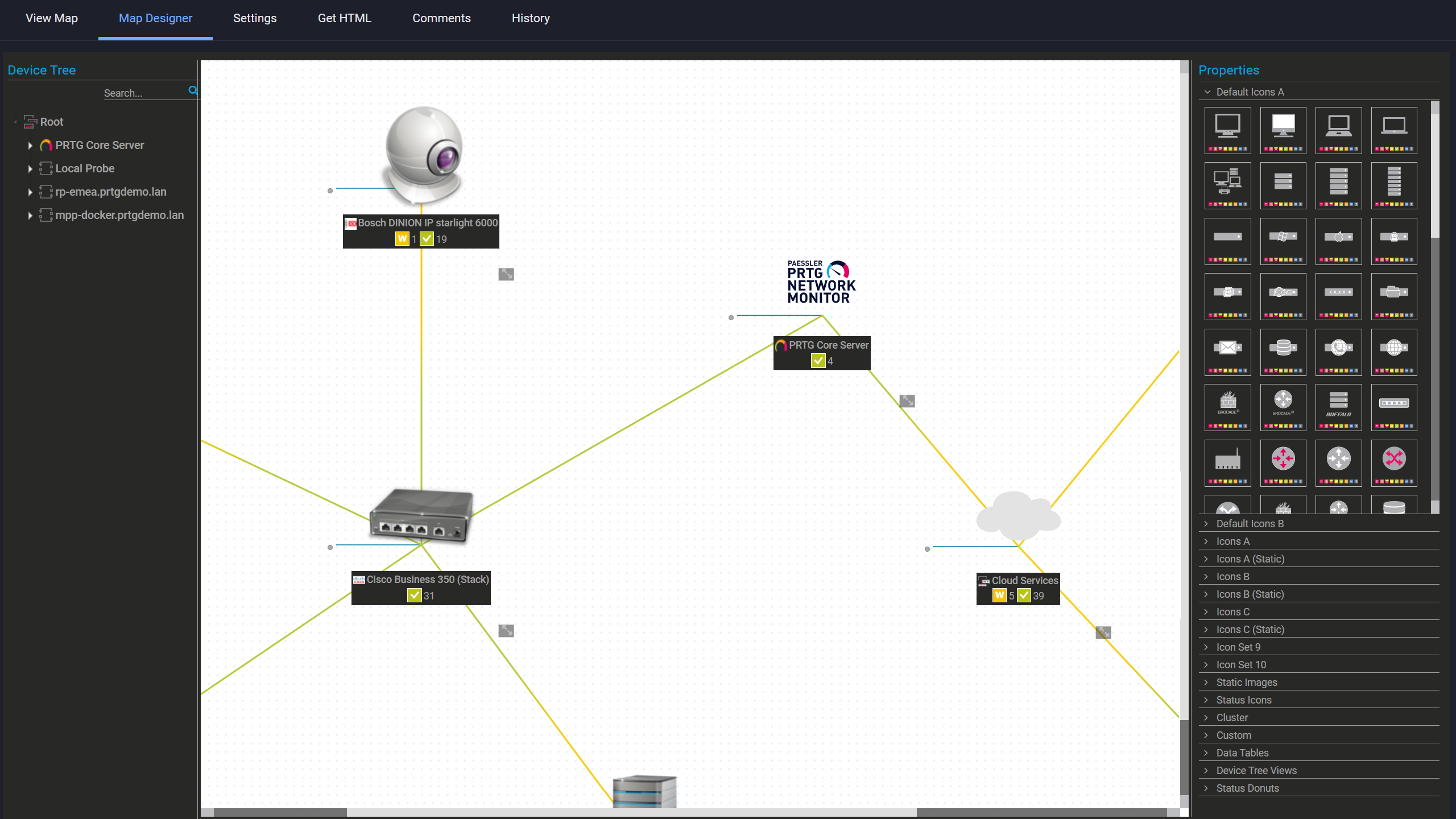
Custom maps with live status
Manufacturer portals cover fault codes and hard failures well. What PRTG adds is granular per-channel alerting for everything your inverter exposes: DC input voltage and current, AC output power and frequency, inverter temperature, daily energy counters, and operating status codes. You define upper and lower limits per channel. Multi-channel triggers let you combine conditions, e.g. energy output below threshold and inverter temp above normal, so alerts only fire when the combination actually means something. Tracking energy patterns over time also helps you establish seasonal baselines before locking in thresholds. Notifications scale with severity: warnings go to your monitoring app or email while critical alerts trigger SMS, webhooks to your ITSM system, or syslog forwarding to your SIEM.
Where this pays off:
Start monitoring your infrastructure in minutes. No professional services, no complex configuration, no risk.
Managing solar installations across multiple sites or mixed equipment brands typically means working with several manufacturer portals in parallel. SolarEdge, SMA, Fronius, Huawei: each exposes solid data about its own devices. PRTG gives you one place where all of it comes together, using protocol-based monitoring instead of vendor-specific integrations. If the inverter speaks Modbus TCP/RTU, SNMP, HTTP REST APIs, MQTT, or OPC UA, PRTG monitors it. SunSpec-compliant registers included. Raw data is stored locally, exportable as CSV, XML, or JSON for analytics tools, business intelligence platforms, or net metering reconciliation.
What you're not buying into:
Important note: Consumer-grade or cloud-only inverters that don't expose open interfaces require gateways, manufacturer API access, or firmware supporting local telemetry.
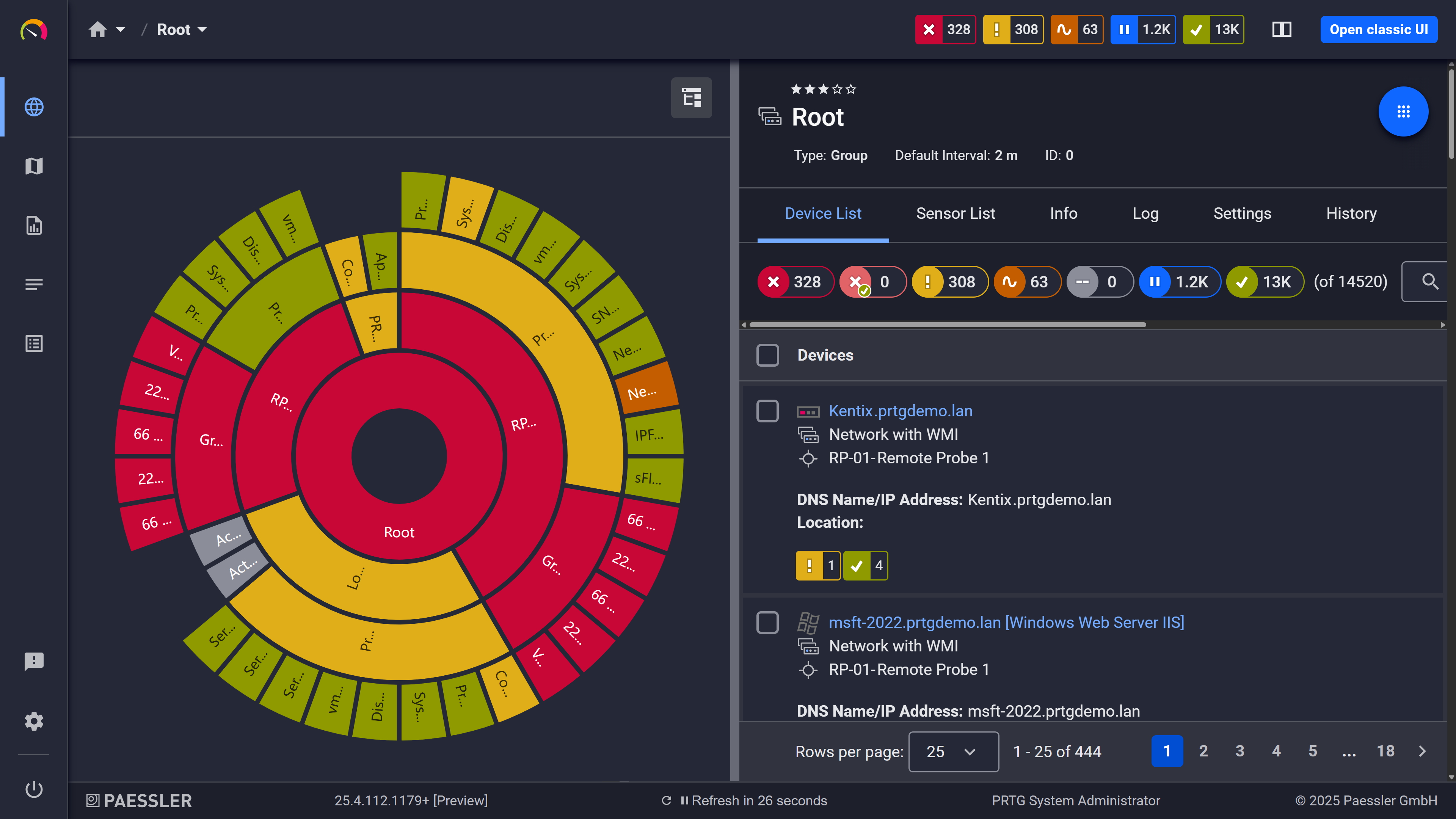
Your entire network, visualized instantly
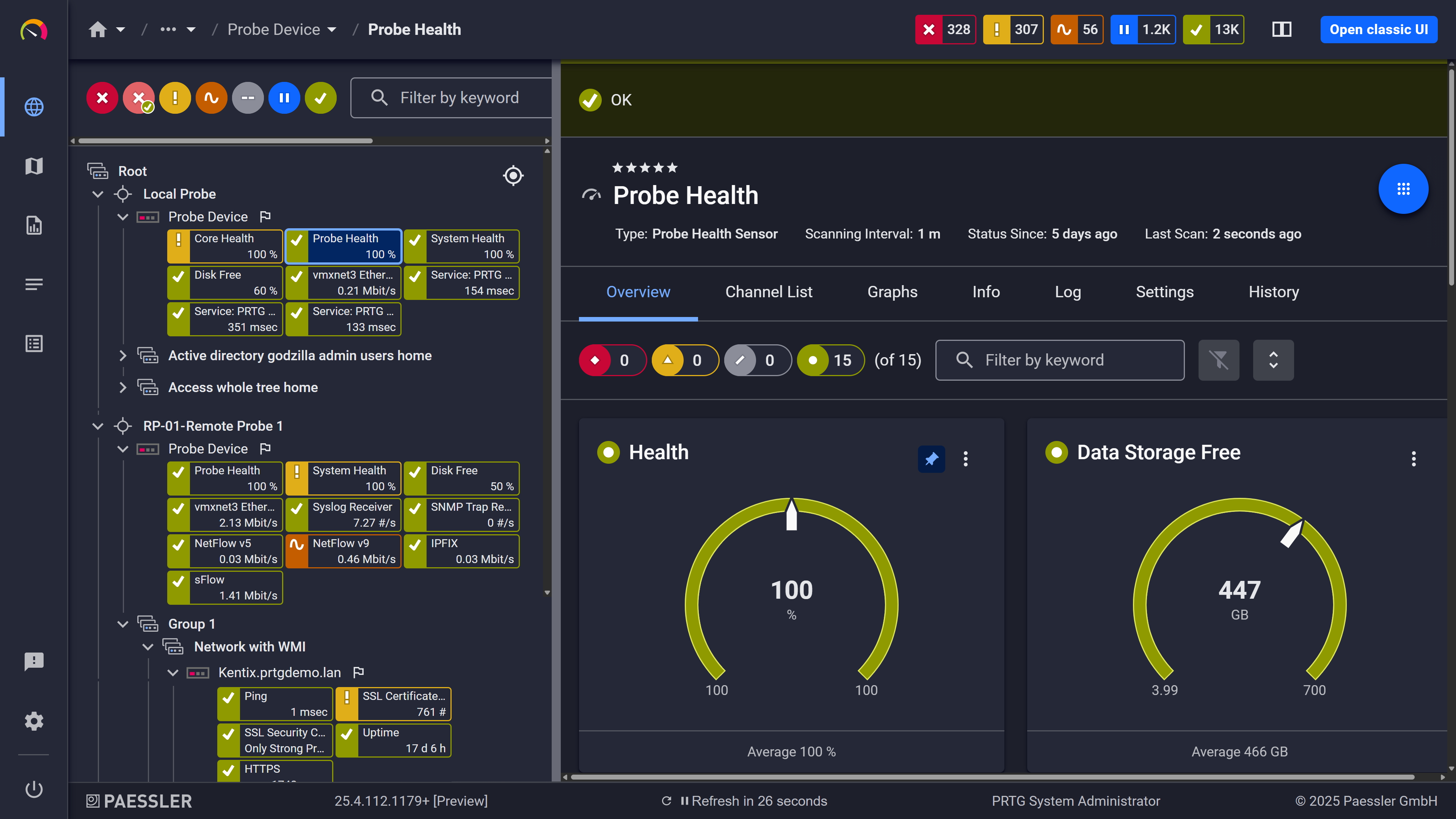
Probe health at a glance
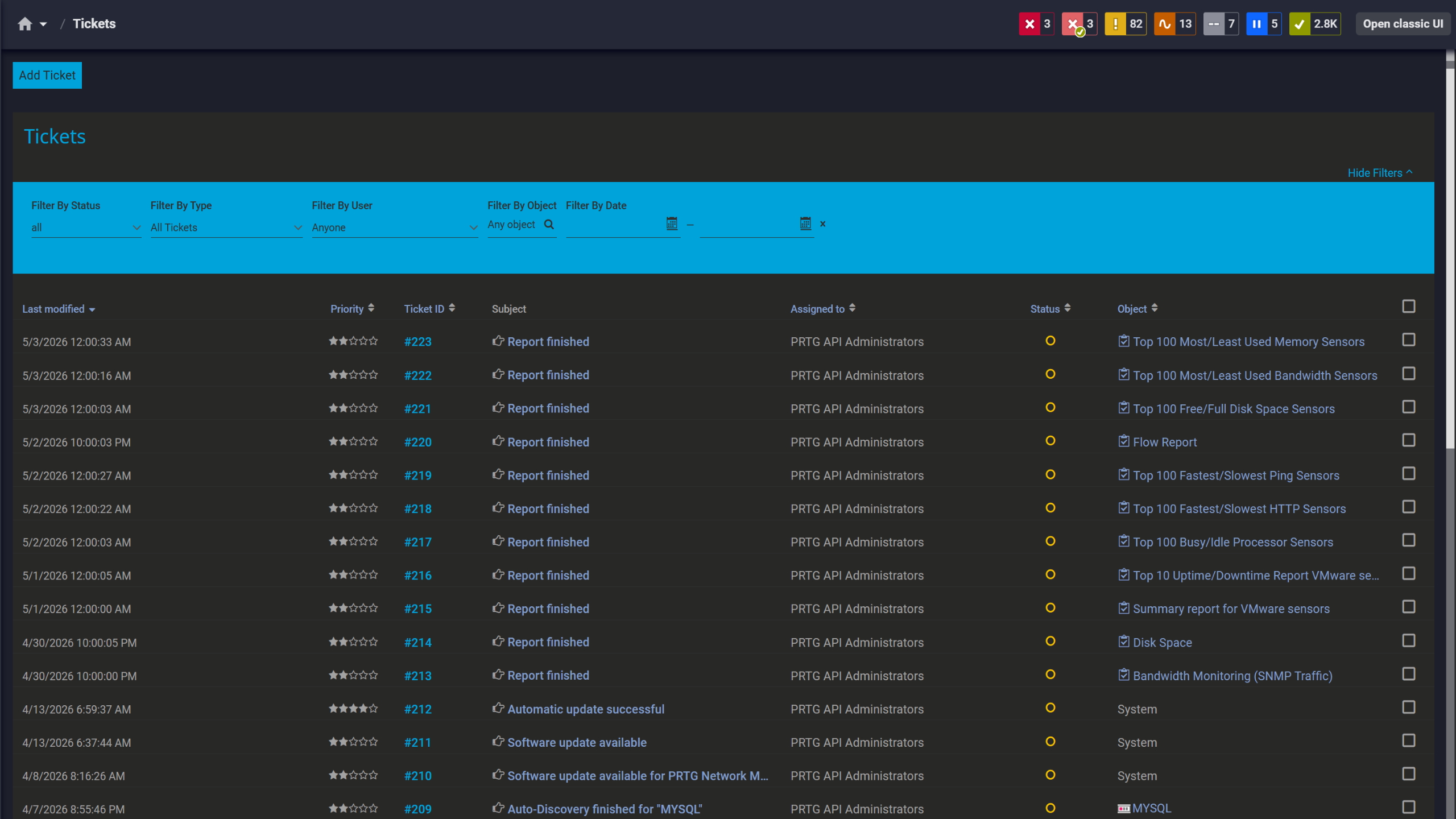
Tickets keep your team aligned
Protecting a solar investment over a 10 to 20 year lifespan requires more than alerts. Verifying a return on investment, reconciling net metering credits, demonstrating compliance for renewable energy credits, catching gradual efficiency losses in solar panels that never triggered an alarm: none of that is possible without years of stored telemetry.
PRTG stores time-series data for every monitored channel: DC input, AC output, inverter temperature, energy consumption counters, and more. Retention is configurable based on available disk space and storage plan. You're not locked into a vendor-defined window. Scheduled PDF, HTML, or CSV reports cover daily, monthly, or annual solar production for whoever needs the numbers. Historic graphs let you compare output periods, spot seasonal patterns and identify slow degradation over time to make informed decisions about maintenance and where to focus cost saving efforts.
Long-term visibility includes:
Important note: PRTG provides historical data storage, trend visualization, and reporting. No native predictive analytics, automatic forecasting, or AI-driven anomaly detection. Those capabilities require external analytics platforms consuming PRTG's exported data.
Your inverters already speak the protocols. Most commercial and industrial PV system equipment exposes telemetry via Modbus, SNMP, HTTP REST APIs, MQTT, or OPC UA: standard protocols used across IT and industrial automation. PRTG uses the same sensors you'd use to monitor network switches, servers, or industrial controllers, configured to read the specific registers, OIDs, or API endpoints your solar installation provides.
Feature | Manufacturer Portals Manufacturer Portals | PRTG PRTG |
|---|---|---|
Cross-vendor visibility | Manufacturer Portals Siloed per manufacturer | PRTG Protocol-based. Monitor any brand in one platform. |
Alerting flexibility | Manufacturer Portals Limited, basic fault notifications | PRTG Fully customizable per-channel thresholds with escalation routing |
IT infrastructure integration | Manufacturer Portals Solar-only, separate from IT monitoring | PRTG Consolidates solar, network, servers, and facilities in one place |
Data retention | Manufacturer Portals Vendor-controlled, often 1 to 3 years | PRTG Configurable. Limited by your storage plan, not a vendor decision. |
Data export | Manufacturer Portals Limited or manual | PRTG API-driven raw data export in CSV, JSON, or XML |
Monitoring capabilities | Manufacturer Portals Device-specific only | PRTG Cross-vendor, cross-protocol, cross-infrastructure |
Inverter firmware/settings | Manufacturer Portals Full access to device-specific controls | PRTG Monitoring and alerting only. No firmware management. |
Bottom line: Manufacturer portals provide deep inverter-specific features (firmware updates, configuration changes). PRTG focuses on cross-device visibility, flexible alerting, and long-term data retention for operations and IT teams. Many users keep both: vendor portals for inverter configuration, PRTG for operational monitoring and cross-system troubleshooting.
Choose the PRTG Network Monitor subscription that's best for you.
| License Name | License description | Price | License Details | Get started | Pricing Details | |
|---|---|---|---|---|---|---|
| PRTG 500 | $200 | per month paid annually | Buy nowBuy now | Enough to monitor multiple aspects of 50 devices | ||
| PRTG 1000 | $358 | per month paid annually | Buy nowBuy now | Enough to monitor multiple aspects of 100 devices | ||
| PRTG 2500 | $742 | per month paid annually | Buy nowBuy now | Enough to monitor multiple aspects of 250 devices | ||
| PRTG 5000 | $1,300 | per month paid annually | Buy nowBuy now | Enough to monitor multiple aspects of 500 devices | ||
| PRTG 10000 | $1,642 | per month paid annually | Buy nowBuy now | Enough to monitor multiple aspects of 1000 devices |

Anything that speaks an open protocol. Modbus TCP/RTU, SNMP, REST APIs, MQTT, OPC UA. In practice that means most commercial and industrial inverters from SMA, SolarEdge, Fronius, Huawei, Sungrow. SunSpec-compliant devices are the easiest starting point. Where it gets complicated is consumer-grade or cloud-only hardware that doesn't expose a local interface at all. Those need either a gateway or manufacturer API access, and that adds a dependency you want to know about before you start, not halfway through setup.
No, not really. SunSpec Modbus is the closest you'll get to straightforward, but you're still going to spend time on register mapping or REST templates depending on what your inverter exposes. Budget an afternoon minimum, more if the manufacturer documentation is bad. Which it sometimes is.
No. Threshold alerts, historical trends, telemetry storage. That's what PRTG does. If a value goes outside the range you defined, you get notified. It won't tell you a failure is coming before the numbers move. For actual predictive maintenance you'd need to push PRTG's data into an external analytics platform that does forecasting.
As long as your disk holds out. Retention isn't set by a vendor policy, it's just storage. PDF, HTML, CSV reports on whatever time range you need, scheduled or on demand. If you're planning multi-year retention for ROI tracking or compliance, size your storage accordingly upfront. It's one of those things that's annoying to fix retroactively.
Depends on your network topology. Separate networks, NAT, geographically distributed sites: yes, a remote probe at each location makes sense. If you've got a gateway on-site that can push telemetry via HTTP or MQTT to a central PRTG instance that works too, and sometimes it's the simpler option.
PRTG offers sensor-based subscriptiontiers: 500, 1000, 2500, 5000, unlimited. Each device or endpoint you monitor counts as one or more sensors depending on how many metrics you pull from it. Script v2 and multi-channel REST sensors are heavier on probe resources than basic SNMP. On larger deployments spread the load across remote probes.
Yes. Webhooks for ServiceNow, Jira, Zendesk. Syslog for Splunk, QRadar, ArcSight. SNMP traps, email, SMS. The API covers anything else.
For monitoring and alerting, mostly yes. For actually managing devices, no. Firmware updates, configuration changes, inverter-specific diagnostics: that still lives in the manufacturer portal. Most teams keep both running and use PRTG for the operational picture and cross-system correlation, vendor portals when they need to touch the device itself.
Network Monitoring Software – Version 26.3.124.1727 (September 16, 2026)
Download for Windows and cloud-based version PRTG Hosted Monitor available
English, German, Spanish, French, Portuguese, Dutch, Russian, Japanese, and Simplified Chinese
Network devices, bandwidth, servers, applications, virtual environments, remote systems, IoT, and more
Choose the PRTG Network Monitor subscription that's best for you



