• Company
    • About Us
    • Case Studies
    • Press Center
    • Careers
    • Blog
    • Contact us
  • Contact us
  • Login
 
  • English
    • Deutsch
    • Español
    • Français
    • Italiano
    • Português
Paessler
                    - The Monitoring Experts
  • Products
    • Paessler PRTG
      Paessler PRTGMonitor your whole IT infrastructure
      • PRTG Network Monitor
      • PRTG Enterprise Monitor
      • PRTG Hosted Monitor
      • PRTG UVexplorer
      • PRTG extensionsExtensions for Paessler PRTGExtend your monitoring to a new level
    • Icon Features
      FeaturesExplore all monitoring features
      • Maps & dashboards
      • Alerts & notifications
      • Multiple user interfaces
      • Distributed monitoring
      • Customizable reporting
  • Solutions
    • By TeamFor your organization size
      • Small Business IT
      • Mid-Market IT
      • Enterprise IT
      • MSP Network Monitoring
    • Industries
      By IndustryFor your business sector
      • Industrial
      • Healthcare
      • Government
      • Education
      • Data Center
      • Finance
    • IT Topics
      By Use CaseFor every technical scenario
      • Network Monitoring
      • Server Monitoring
      • OT Monitoring
      • Distributed Monitoring
      • Network Topology Mapping
      • SNMP Monitoring
      • Bandwidth Monitoring
  • Pricing
  • Resources
    • Getting Started
      Getting StartedModules for self-paced learning
    • How-to Guides
      How-to GuidesGet the most out of PRTG
    • Videos & Webinars
      Videos & WebinarsLearn from Paessler experts
    • IT  Knowledge
      IT KnowledgeExpand your IT knowledge
    • PRTG Manual
      PRTG ManualFull documentation
    • Knowledge Base
      Knowledge BaseShare community knowledge
    • PRTG Sensor Hub
      PRTG Sensor HubGet sensors, scripts & templates
    • Trainings
      PRTG TrainingLearn how to work with PRTG
  • Partners
    • Icon Handshake
      Become a PartnerFor resellers and channel partners
    • Icon MSP
      Become an MSPDeliver monitoring as a managed service
    • icon partner
      Partner PortalLog in to your partner account
    • Deal Registration
      Deal RegistrationRegister your sales opportunities
    • icon search
      Find a PartnerFind partners selling Paessler products
    • icon technology
      Technology AlliancesSee Paessler technology partnerships
    • Partner HubTools for Your Success
  • Company
    • About Us
    • Case Studies
    • Press Center
    • Careers
    • Blog
    • Contact us
  • Contact us
  • Login
  • English
    • Deutsch
    • Español
    • Français
    • Italiano
    • Português
  • Get a quote
  • Free trial
  1. Home>
  2. Company>
  3. Case Studies>
  4. BBS Holzminden

Three teachers, 1,650 students, no IT department: how BBS Holzminden monitors its school network with PRTG 

Challenge: No dedicated IT department; three IT-trained teachers manage the entire school network

download PDF
Logo BBS Holzminden

COMPANY
BBS Holzminden

INDUSTRY
Education

COMPANY SIZE
SMB

COUNTRY
Germany

SCALE
1,650 students, 110 teachers, distributed school IT

Icon watch

Full school IT monitored centrally: servers, printers, switches, routers, Wi-Fi, and cloud

Icon Notifications

Alerts by email, SMS, or push notification reach the right person immediately

Icon boost

Memory bottlenecks identified and prevented before reaching students or staff

The problem

BBS Holzminden is a vocational training center in Lower Saxony offering more than 50 apprenticeship programs to 1,650 students. Administrative processes, digital learning content, and web portals depend on the school's IT. If systems fail, school operations can stop. 

There is no dedicated IT department. Three teachers with IT expertise manage the entire network. On any given day, they have almost no time to actively monitor systems. 

Previously, BBS Holzminden relied on custom scripts. The team needed a centralized tool covering printers, servers, switches, virtual environments, and bandwidth, easy enough for non-specialists.

What changed with PRTG

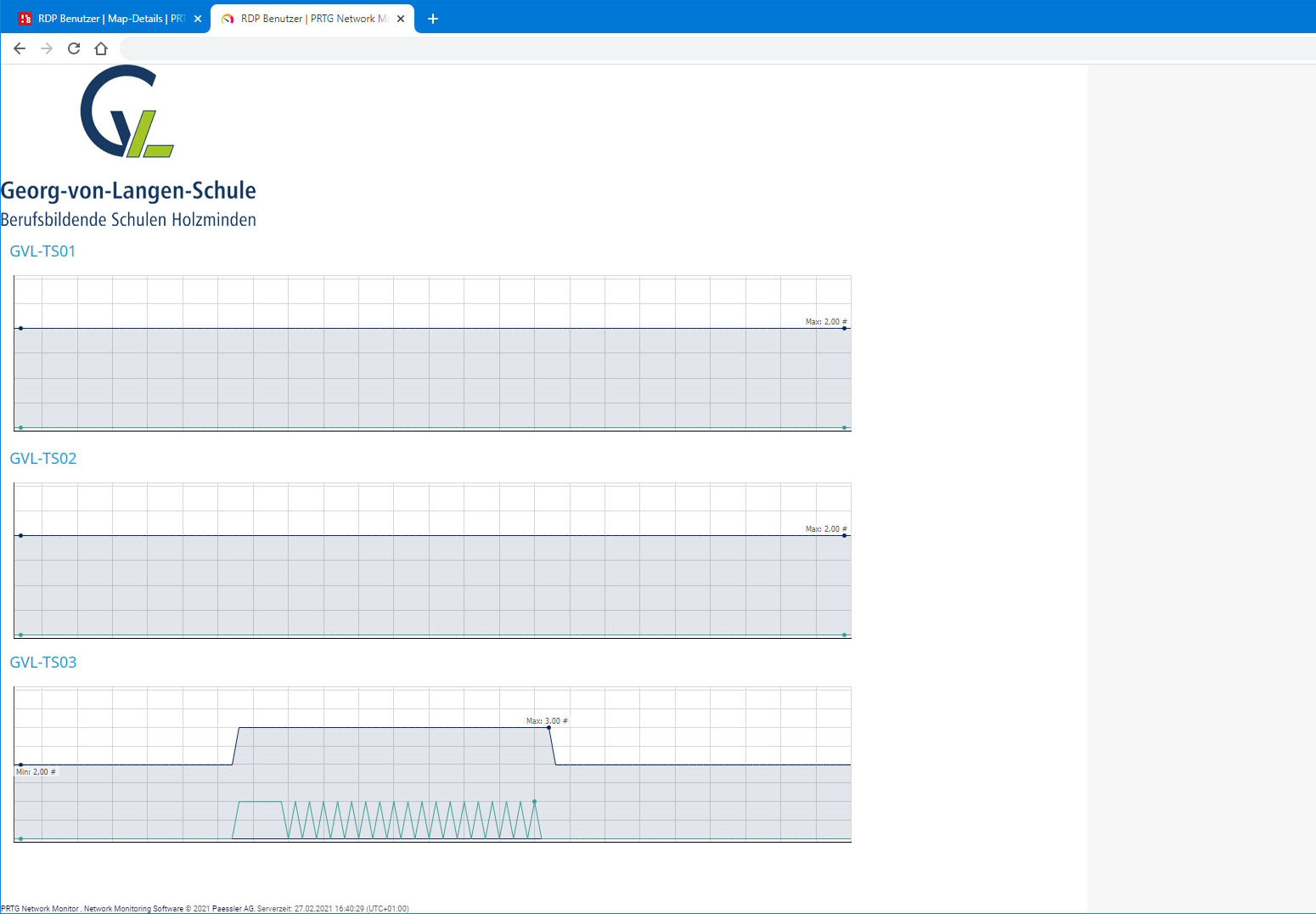
PRTG was installed on a virtual server after initial port conflicts were resolved. Auto Discovery surfaced sensors the team hadn't considered. Sensors for specific Windows services were added manually; irrelevant ones removed. 

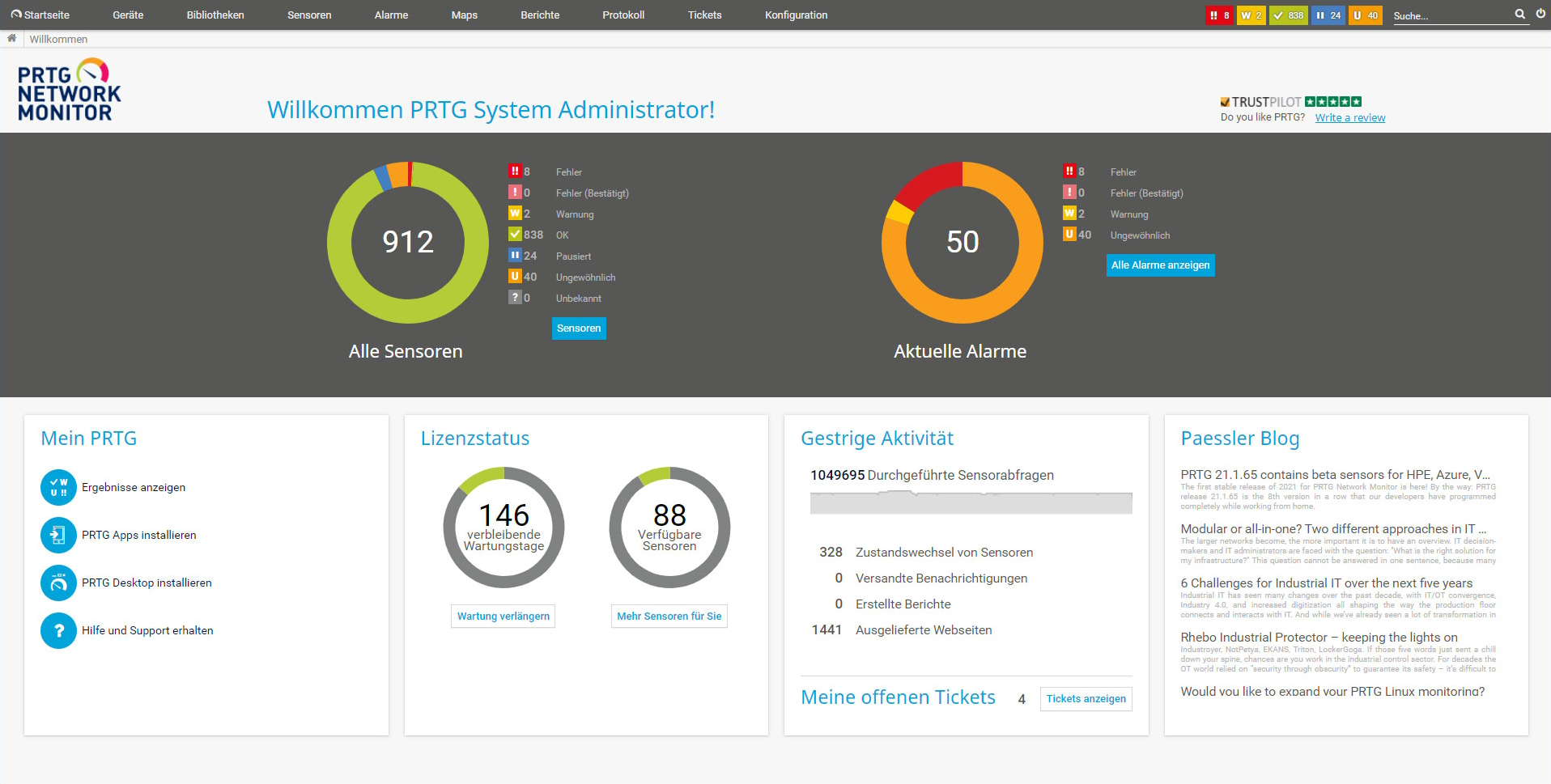
Threshold values trigger alerts by email, SMS, or push notification. The team tracks the full infrastructure without watching the dashboard constantly, and goes directly to the source when an alert fires. 

PRTG revealed correlations between services that were previously invisible. Memory bottlenecks are now identified and prevented before they affect users. Downtime has been reduced considerably. 

Dashboards are customized to each administrator's tasks, making routine checks faster and troubleshooting more structured.

On any given day, we rarely have time to keep an eye on all our systems. We therefore decided to monitor our school’s IT environment with a centralized network monitoring tool.

Stefan Roschewitz, teacher and IT administrator
BBS Holzminden
PRTG Logo

PRTG gives schools and educational institutions without dedicated IT teams a centralized monitoring solution that's easy to operate and maintain.

free TRIAL
PRTG System Screenshot
Sensor monitoring Screenshot

Discover more monitoring insights and stories

Solution illustration

Solutions for all your monitoring needs

  • DNS Monitoring
  • POP3 Monitoring
  • SSL Monitoring
Content illustration

Powerful stories from the monitoring world

  • Customer success stories - Paessler
  • Understanding MQTT architecture: a deep dive
  • Sending Notifications Via Microsoft Teams
Support illustration

Resources to master your monitoring challenges

  • How can I propose new features or sensors for PRTG?
  • How can I use the PRTG Application Programming Interface (API)?
  • Device and Sensor Setup
Explore All Case Studies

Products

  • Paessler PRTG
    Paessler PRTGMonitor your whole IT infrastructure
    • PRTG Network Monitor
    • PRTG Enterprise Monitor
    • PRTG Hosted Monitor
    • PRTG UVexplorer
    • PRTG extensions
      Extensions for Paessler PRTGExtend your monitoring to a new level
  • Icon Features
    FeaturesExplore all monitoring features

Monitoring with PRTG

  • Network monitoring
  • Bandwidth monitoring
  • SNMP monitoring
  • Network mapping
  • Wi-Fi monitoring
  • Server monitoring
  • Network traffic analyzer
  • NetFlow monitoring
  • Syslog server

Useful Links

  • PRTG Manual
  • Knowledge Base
  • Customer Success Stories
  • About Paessler
  • Subscribe to newsletter
  • PRTG Support
  • PRTG Consulting
  • PRTG Feedback & Roadmap

Contact

Paessler GmbH
Thurn-und-Taxis-Str. 14, 
90411 Nuremberg 
Germany

[email protected]

+49 911 93775-0

  • Contact us
©2026 Paessler GmbHTerms & ConditionsPrivacy PolicyImprintReport VulnerabilityDownload & InstallSitemap
Brother Printer Errors Brother Printer Errors Brother Printer Errors