
- English
- Deutsch
- Español
- Français
- Italiano
- Português
SSL certificate monitoring covers more than just expiration dates. A complete expiration monitoring and HTTPS monitoring setup tracks certificate validity, protocol health, revocation status, and name validation across web servers, internal services, APIs, and any TCP/IP endpoint you add to PRTG. PRTG watches all of this on a scheduled basis and alerts your team before certificate issues reach users. It works across external and internal environments, including connections on non-standard ports, and complements broader website monitoring and uptime monitoring without requiring a separate tool for each use case.

Systematic SSL certificate expiry tracking keeps your services running and your users unaffected. Automated monitoring replaces spreadsheets and calendar reminders with configurable thresholds that alert the right person at the right time. Consistent certificate visibility protects user experience directly. PRTG's alerting means your team knows weeks ahead, not after the fact. Alerts are based on thresholds you define: warn at 30 days, escalate at 7, or whatever fits your renewal process, with all monitored certificates visible in one dashboard covering external sites, internal services, APIs, and non-standard ports.
Expiration gets most of the attention, but it's not the only way a certificate causes problems. Catching a revoked cert, a name mismatch after a server rename, or a self-signed certificate on an internal service early gives you a specific signal to act on rather than a generic connection failure to trace back. PRTG checks multiple health dimensions per endpoint simultaneously: revocation status, name validation, signing authority, and public key strength. That level of detail speeds up troubleshooting and catches problems that would slip through if you're only watching expiration.
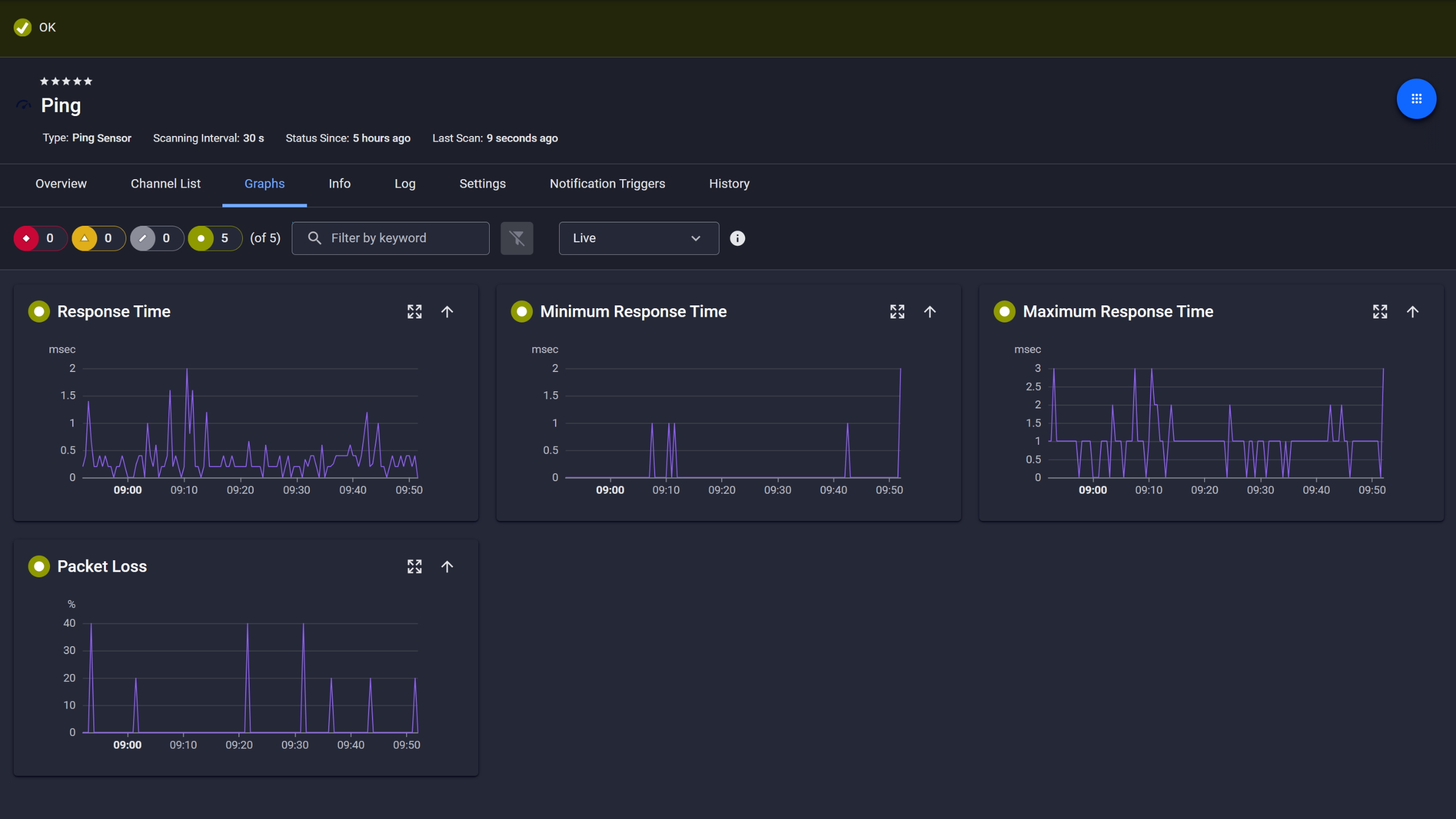
Ping response and packet loss
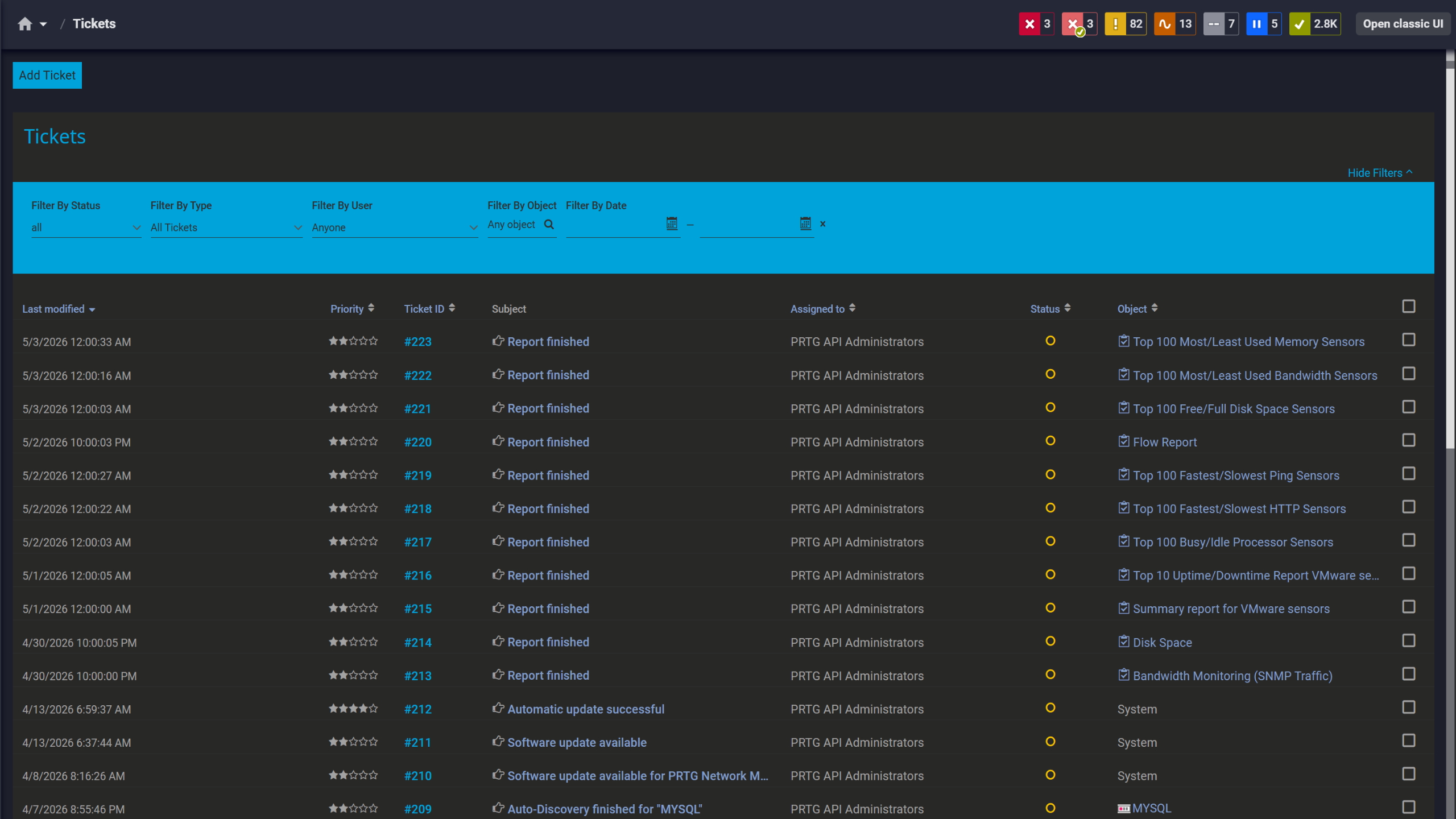
Tickets keep your team aligned

Live graphs, real-time performance data
A clean TLS migration means confirming that only the protocol versions you want are still active across every port. Scheduled checks across your environment show you exactly which devices accept SSLv3, TLS 1.0, or TLS 1.1, so you can verify compliance proactively. PRTG runs scheduled protocol checks per device, per port, and shows you exactly which SSL/TLS versions are accepted or denied across your environment. You define the policy and PRTG alerts you when something drifts from it on the next scheduled check. No separate scanner needed for that.
Start monitoring your infrastructure in minutes. No professional services, no complex configuration, no risk.
Certificate validity periods are getting shorter. Google is moving toward 90-day maximums for public TLS certificates, and proposals currently in progress would reduce that further to 47 days by 2029. A monitoring setup built around annual renewals doesn't translate directly to that cadence, but adjusting alert thresholds in PRTG is a one-setting change. The actual renewal happens in whatever workflow you already use (manual, ACME-based, or a dedicated CLM tool). Nothing in that process needs to change.

Scheduled reports, always on time
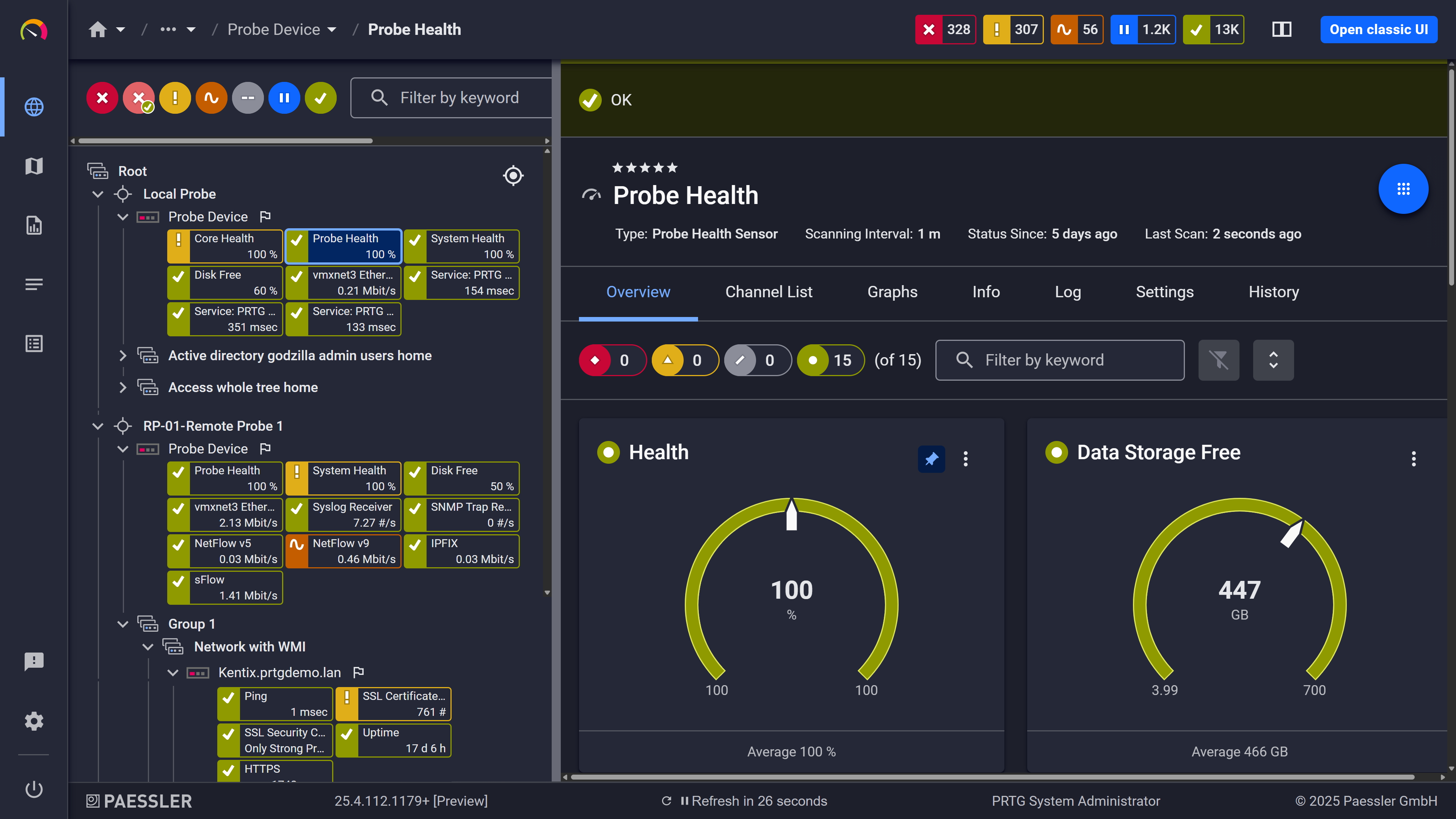
Probe health at a glance

Full device list, instant overview
PRTG uses two dedicated sensor types for SSL/TLS monitoring, each serving a distinct purpose. Both connect to specified endpoints via TCP/IP at configurable scan intervals.
Area | Without a monitoring tool Without a monitoring tool | With PRTG With PRTG |
|---|---|---|
Certificate expiration | Without a monitoring tool Spreadsheet or calendar reminders, maintained manually | With PRTG Threshold-based alerts, automatically checked per endpoint on a set schedule |
TLS protocol status per port | Without a monitoring tool Periodic manual checks or one-off scanner runs | With PRTG Automated per-port monitoring on a schedule, SSLv3 through TLS 1.3 |
Revocation, name match, Signed By | Without a monitoring tool No visibility until something breaks | With PRTG Monitored across multiple health channels simultaneously |
Alert delivery | Without a monitoring tool Reactive: discovered by users or helpdesk | With PRTG Proactive via email, SMS, push, and webhooks (Slack/Teams via HTTP action) before expiry |
Uptime checks | Without a monitoring tool No structured endpoint availability tracking | With PRTG SSL sensors run on a defined schedule, providing regular uptime checks per endpoint |
Environment coverage | Without a monitoring tool Hard to maintain consistently across internal and external | With PRTG Deployable across public sites, internal services, and non-standard ports |
Choose the PRTG Network Monitor subscription that's best for you.
| License Name | License description | Price | License Details | Get started | Pricing Details | |
|---|---|---|---|---|---|---|
| PRTG 500 | $200 | per month paid annually | Buy nowBuy now | Enough to monitor multiple aspects of 50 devices | ||
| PRTG 1000 | $358 | per month paid annually | Buy nowBuy now | Enough to monitor multiple aspects of 100 devices | ||
| PRTG 2500 | $742 | per month paid annually | Buy nowBuy now | Enough to monitor multiple aspects of 250 devices | ||
| PRTG 5000 | $1,300 | per month paid annually | Buy nowBuy now | Enough to monitor multiple aspects of 500 devices | ||
| PRTG 10000 | $1,642 | per month paid annually | Buy nowBuy now | Enough to monitor multiple aspects of 1000 devices |

Good SSL certificate monitoring goes well beyond tracking expiration dates. PRTG's SSL Certificate sensor checks certificate validity across several dimensions: revocation status, whether the certificate name matches the host address or SNI, whether the certificate is self-signed or trusted as a root authority (Signed By channel), and public key length and strength. Each is a separate monitoring channel with its own status, so you get specific information rather than a generic connection error to dig through.
You define the lead time. PRTG tracks days to expiration as a numeric channel and you set warning and error thresholds at whatever values fit your renewal process. A typical setup might warn at 30 days and escalate at 7, but there's no fixed value. If you're working with 90-day certificates, earlier thresholds make more sense. Notifications go out as soon as the sensor crosses a threshold on its next scheduled check, via email, SMS, push, or any other configured method.
Yes. The SSL Certificate sensor connects to any TCP/IP port, not just port 443. You configure the host and port per sensor, which means you can monitor certificates on internal web services, APIs, mail servers, management interfaces, and any other TLS endpoint, regardless of whether it's internet-facing. Each endpoint requires its own sensor, but there's no restriction on service type or network location.
They cover different use cases. The SSL Certificate sensor retrieves the certificate from a connection and checks its health: expiration, revocation status, name validation, Signed By status, and key strength. The SSL Security Check sensor doesn't inspect the certificate itself; it tests which SSL/TLS protocol versions a given port accepts or denies. Use the SSL Certificate sensor when you want to monitor certificate validity and health. Use the SSL Security Check sensor when you want to know whether outdated or insecure protocols are still active on a port. Both sensors have BETA variants available in PRTG with updated monitoring engines.
Yes, for both, but name validation requires active configuration in the sensor settings. By default, the SSL Certificate sensor does not compare the certificate name against the device address or SNI. When you enable name validation, you can choose to validate against the Common Name (CN) only, or against both the CN and Subject Alternative Names (SANs). For multi-domain and wildcard certificates, selecting the CN and SAN option is the appropriate choice. For servers using SNI with multiple website certificates, configuring the Virtual Host field ensures PRTG retrieves the intended certificate rather than the default one returned for that IP. DNS-based name resolution applies normally as part of the connection process.
Yes, though through HTTP action notifications rather than native integrations. Slack and Microsoft Teams both support incoming webhooks, and PRTG's HTTP action notification type can post to those webhook URLs when a sensor changes state. For external systems and custom workflows, HTTP action notifications support JSON payloads, making it practical to route alerts into ticketing systems, custom dashboards, or any other tool with an API endpoint. Standard email and SMS notifications are available for any SSL sensor alert as well.
Network Monitoring Software – Version 26.1.116.1532 (February 9th, 2026)
Download for Windows and cloud-based version PRTG Hosted Monitor available
English, German, Spanish, French, Portuguese, Dutch, Russian, Japanese, and Simplified Chinese
Network devices, bandwidth, servers, applications, virtual environments, remote systems, IoT, and more
Choose the PRTG Network Monitor subscription that's best for you



