
PRTG Database Observer Manual
ITPS Library
On the ITPS Library tab, you can find new queries available on our servers, which can be downloaded and used. You can select individual queries, by database type, or select all queries from this section.
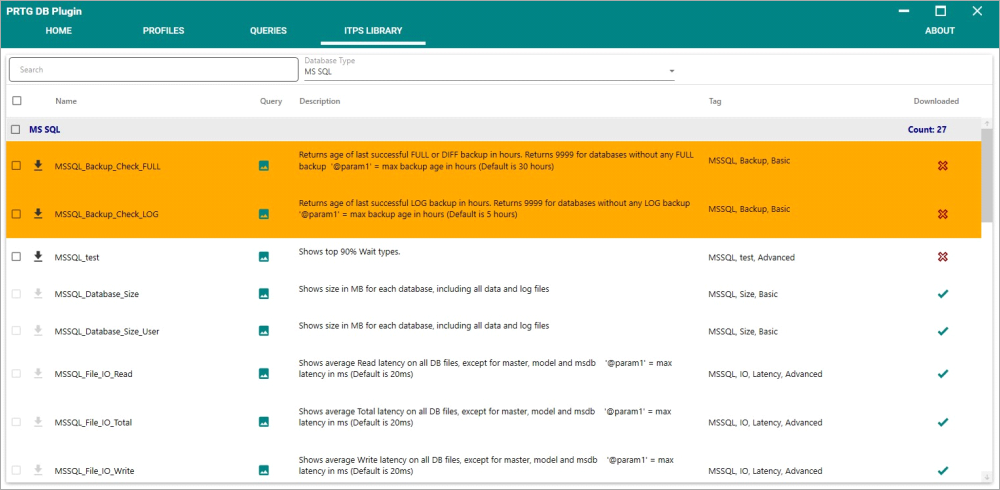
ITPS library overview
When the query is downloaded from our servers or imported from a file, the query in your PRTG Database Observer installation will be replaced. If you need to adjust the default queries you should clone them instead of editing the query directly.
If your machine is not connected to the Internet or a connection to our servers cannot be established, you can use the manual Import. Here, you can add the queries located on our website and add them manually to the PRTG Database Observer. The selected queries will be added to the PRTG Database Observer database and can be used in your monitoring.
