
PRTG Database Observer Manual
IBM Informix
If the checkbox is selected in the prerequisites list, the IBM Informix client will be downloaded and installed. This is an optional step required only if you plan to monitor IBM Informix instances. The IBM Informix client requires an internet connection.
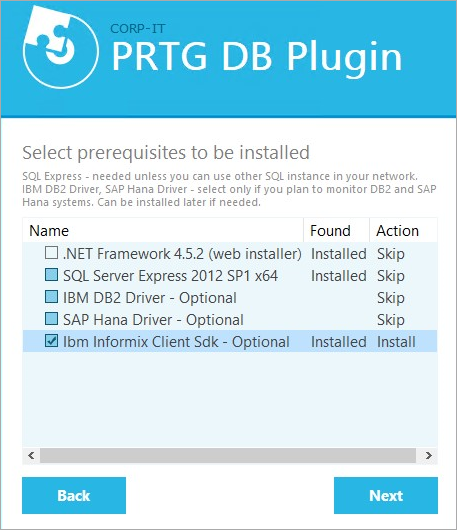
IBM Informix on prerequisites list
1.In the installer, click Next to start the installation process.
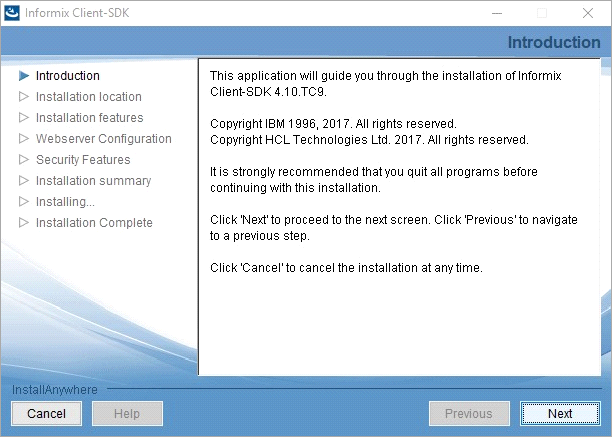
IBM Informix installer
2.If Microsoft Visual C++ is not installed on your system, the IBM Informix installer will ask for approval to install it. Select the checkbox to agree to the license terms and conditions and click Install.
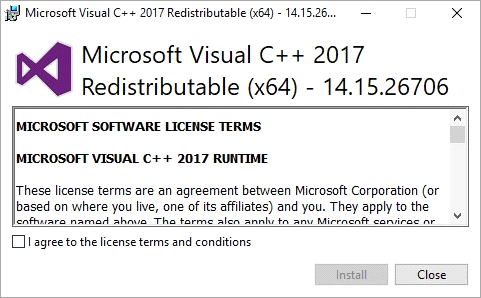
Microsoft Visual C++ installation
3.Accept the IBM Informix software license agreement and click Next.
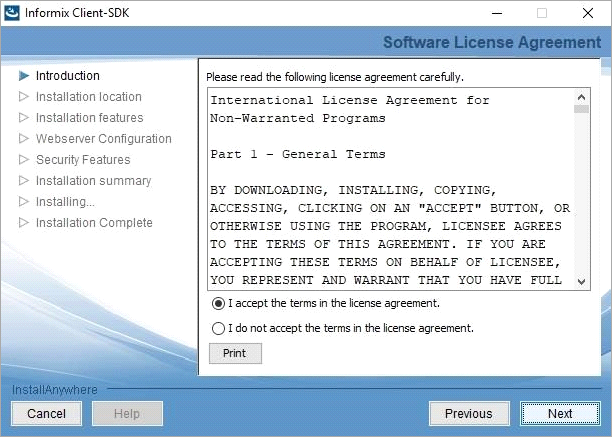
IBM Informix software license agreement
4.Choose the installation path and click Next.
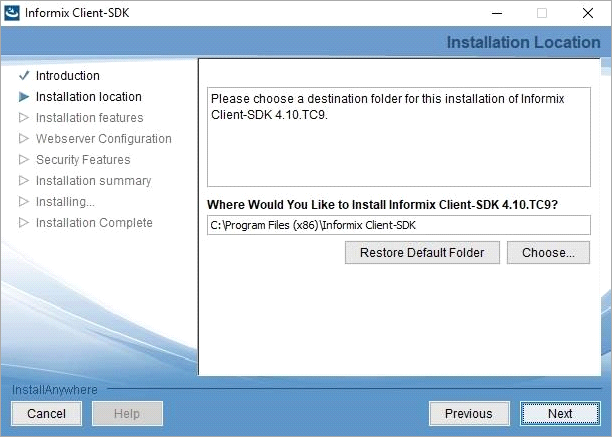
IBM Informix installation path
5.Choose the features to install and click Next.
 We recommend the Typical install set.
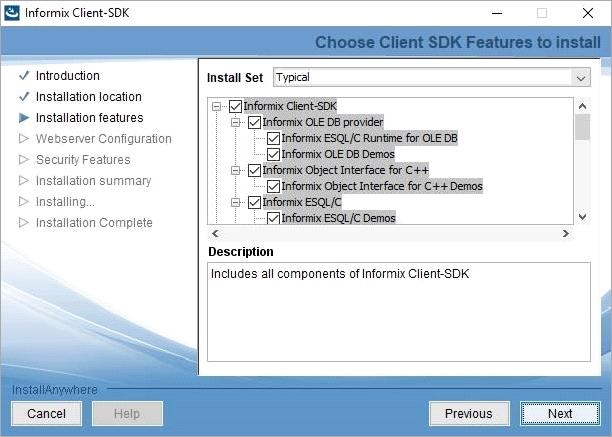
Select IBM Informix features
6.Click Install.
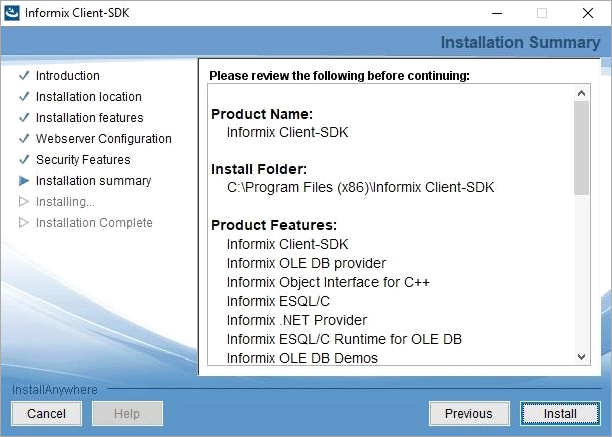
IBM Informix installation summary
7.When the installation has finished, you will receive a confirmation message. Click Done to close the IBM Informix installer.
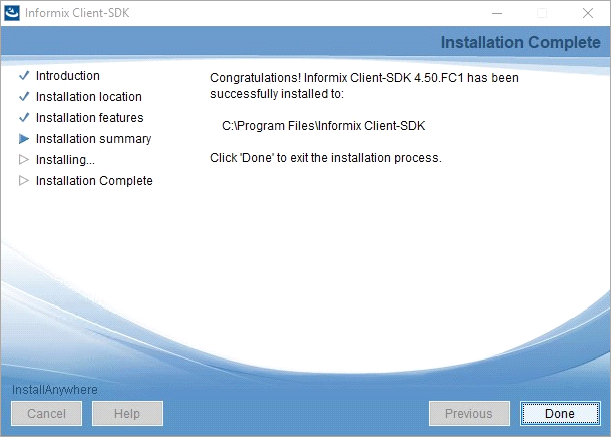
IBM Informix installation complete
