
PRTG Database Observer Manual
IBM DB2 Driver
If the corresponding checkbox is selected in the prerequisites list, the IBM DB2 driver will be downloaded and installed. This is an optional step required only if you plan to monitor IBM DB2 instances. The IBM DB2 Client installation uses about 350 MB of space and requires an internet connection.
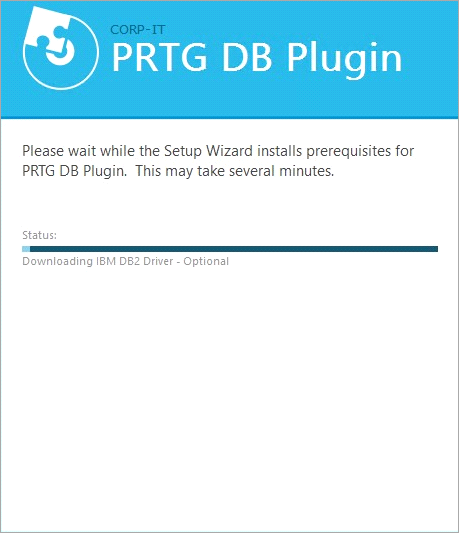
Install IBM DB2 driver
When the download is complete, the IBM DB2 Setup window appears.
1.Click Next to proceed. If you click Cancel at any time during the installation process, the installation of the driver will be interrupted.
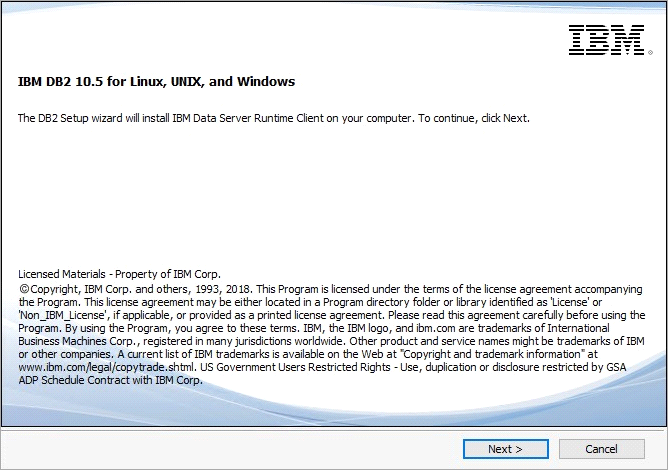
IBM DB2 installer
2.To continue with the installation of the driver, select I accept both the IBM and the non-IBM terms and click Next.
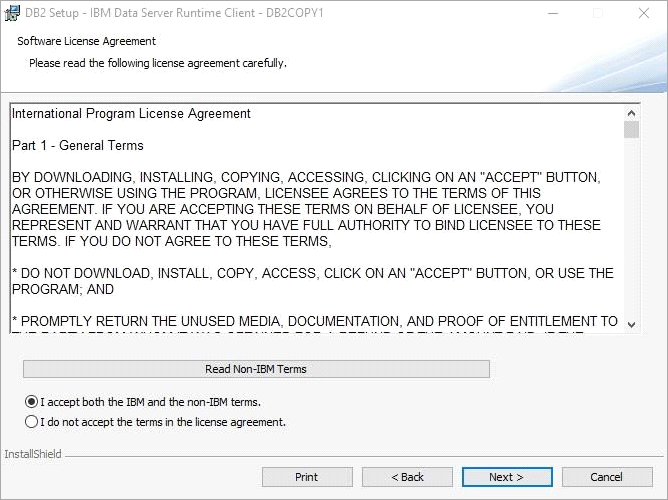
IBM DB2 service level agreement
3.Select the installation type. We recommend the installation type Typical. Click Next.and then Install to start the installation.
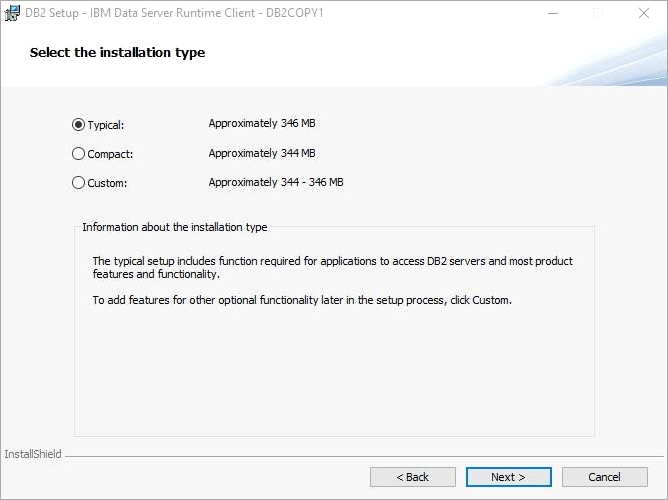
IBM DB2 installation type
4.Once the installation is complete, you will be prompted with a confirmation window. Click Finish to close the IBM DB2 Setup wizard.
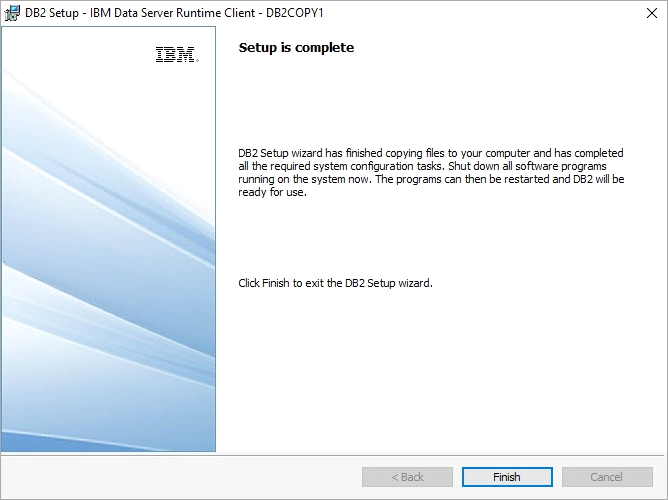
IBM DB2 setup complete
