COMPANY
School District of Pickens County
INDUSTRY
Education
INSTALLATION SIZE
Large installation
LOCATION
USA
The School District of Pickens County (SDPC) is located in the northwestern region of South Carolina. SDPC includes 14 elementary schools, five middle schools, four high schools, and a state-of-the-art career and technology center.
There are over 16,000 students enrolled in SDPC schools and over 2,000 employees. SDPC strives to provide a quality 21st century education that prepares all students for success beyond the classroom.
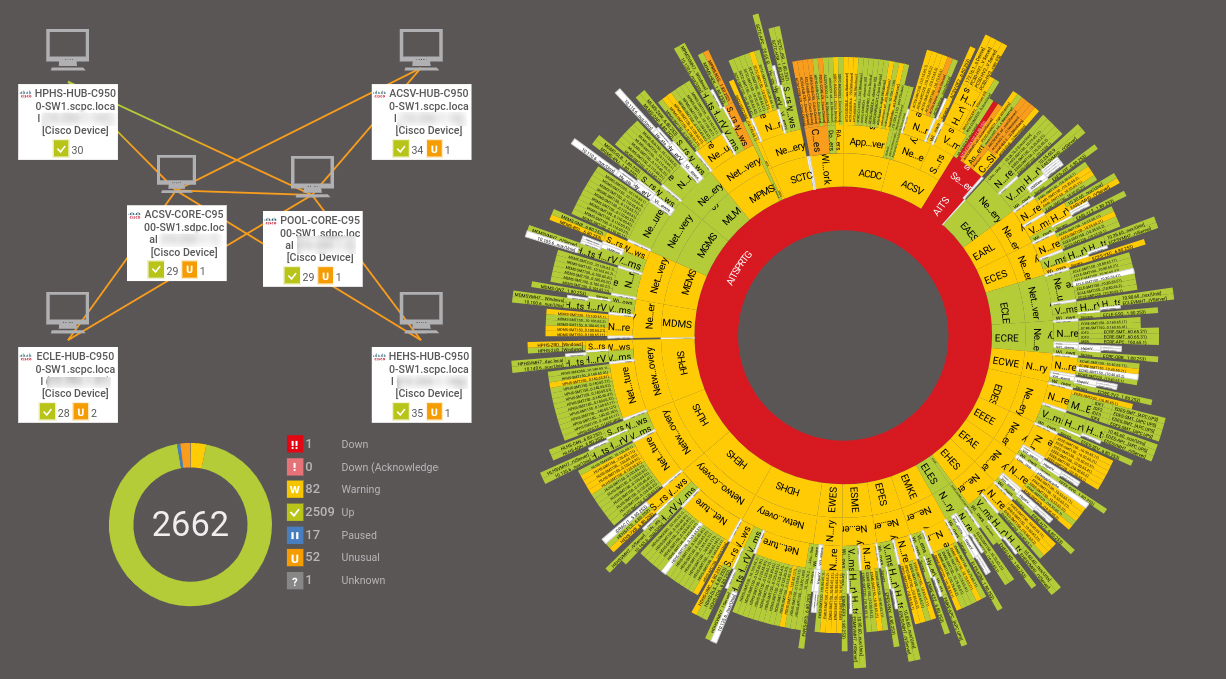
The School District of Pickens County, which is comprised of 32 total sites including schools and data centers, monitors each site from one local probe. The district recently finished construction of over 100 miles of fiber, so they have a minimum of a 10-gigabyte connection back to the core server.
They use Paessler PRTG Network Monitor on a single server, which is located in nearby Clemson University’s data center, one probe device, and 2,600 sensors. Each site is a different network subnet, and PRTG monitors each one.
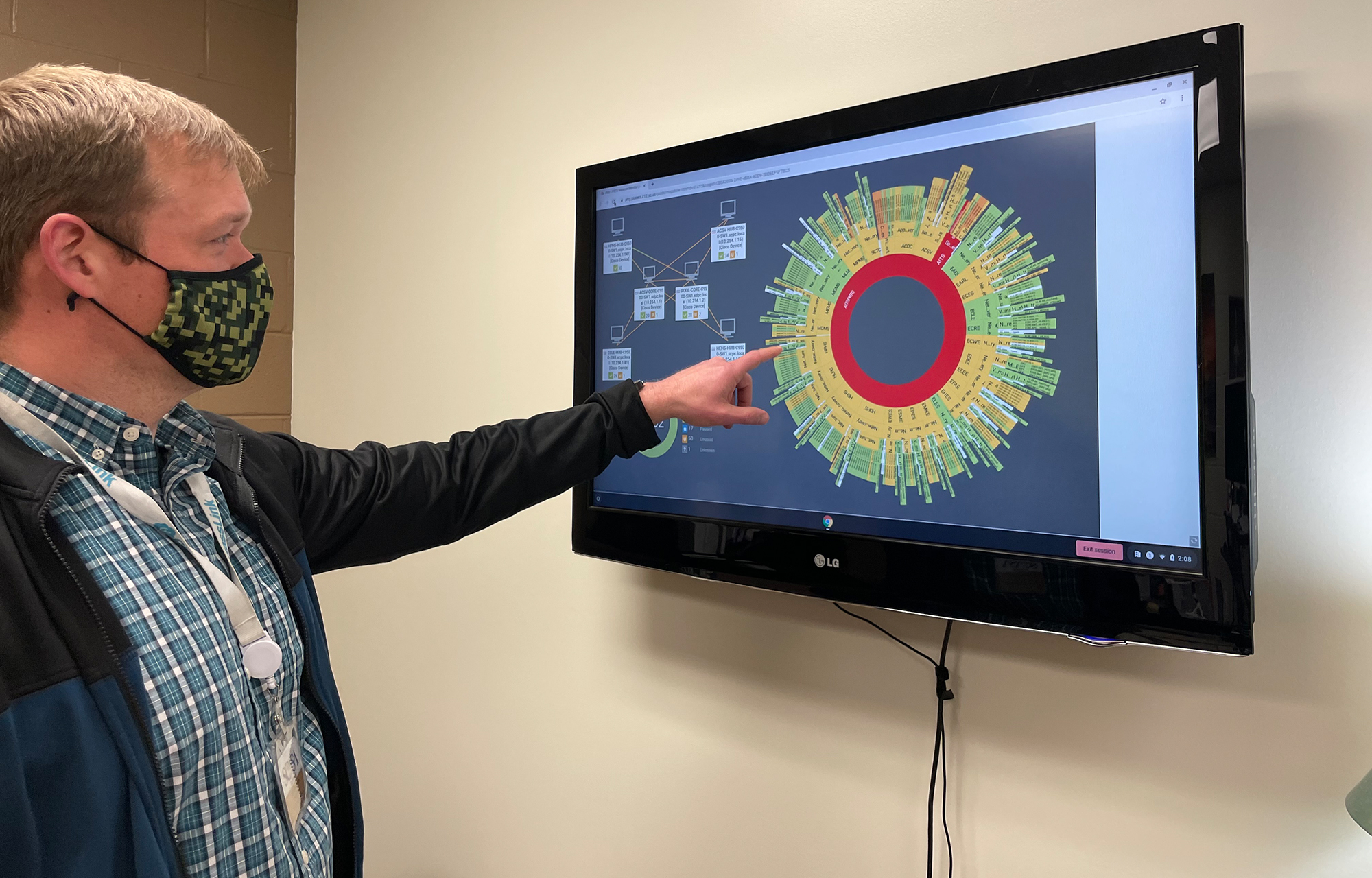
John Anderson joined SDPC in the fall of 2019 as director of technology services, leading a staff of 18. Six months into the new job, he found himself at the helm of IT for a network of nearly 30 schools that were just starting to navigate the early days of remote learning.
During the shutdown, schools around the nation were among the hardest hit, as students and teachers alike had to learn how to operate in a new, physically disconnected way. Surprisingly, from an IT standpoint, the challenge for SDPC was not connecting students remotely – the team would connect to PRTG from a VPN to keep the load as light as possible on the server, which proved easy enough.
The real challenge came from being short-staffed. Like many other organizations, SDPC operated on rotation, with half the team working from home and half working from the office. But PRTG helped keep staff on the same page, as everyone was looking at the same data to ensure systems stayed up and running.
The real value of PRTG is alerting system administrators to problems early, so they have time to resolve them before they become apparent to school district staff and students. At one point, the fiber optic failed at some of the schools, and the IT team at SDPC was able to correct the issue before teachers even knew it was a problem.
During another instance, network segments began crashing and rebooting, and PRTG notified the team, allowing them to troubleshoot before it became an issue on the front end. Thanks to PRTG’s alerts, Anderson and his team are able to intercept problems, which means uninterrupted learning for the student.

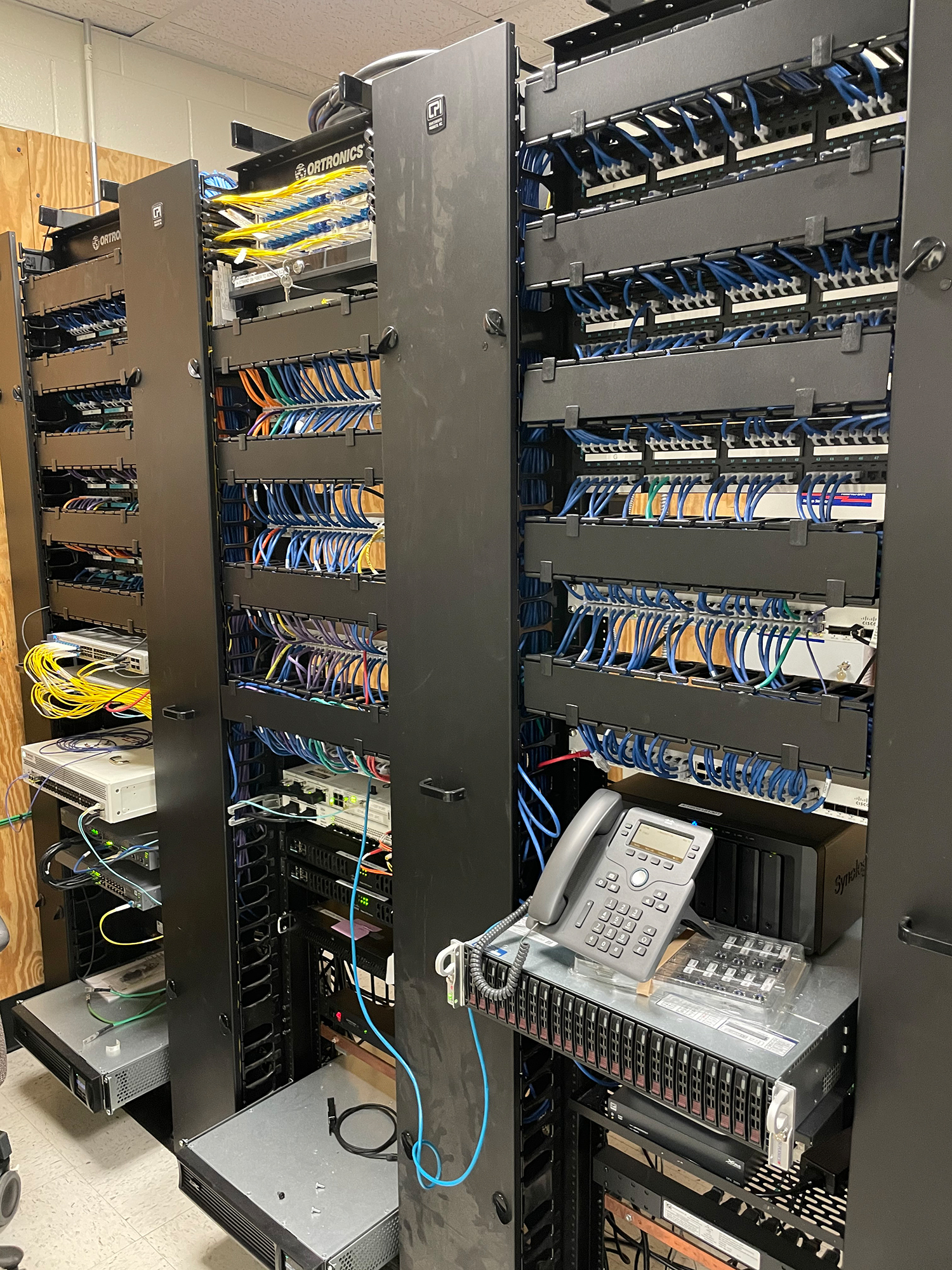
Unlike corporations, school districts are not typically resource-heavy, and when it comes time to lobby for more funding for new hardware or additional IT staff, it can be difficult to make the argument when decision-makers are not typically technology experts. IT teams are faced with working within the limitations of existing hardware and infrastructure – and limited people. “Because it's ‘nerd-speak,’ the district doesn't understand the need to invest in new hardware so that we can have more probes. So we try to keep it lightweight and manage what's there, what's not,” said Anderson.
On the bright side, this forces the IT team to be nimble and versatile – a “jack of all trades,” so to speak. Anderson sometimes finds himself employing creativity and reverse engineering to make the system work, but PRTG allows him that flexibility.
The small team also must be prepared to interface with all levels of the district administration and report complex information in a way that makes sense to a less technical audience. A typical day for Anderson might include an assessment meeting in preparation for student testing, a visit to the system center, a director’s roundtable for student information, and a meeting with the superintendent. If it’s part of the IT ecosystem, Anderson and his team will likely have their hands on it.

It was hard being short-staffed during the pandemic. PRTG helped because no matter where we were, we knew where the problems were without waiting for the schools to call us, and our technical support were able to help.
Anderson’s team has a few projects in the pipeline, despite limited availability of resources and infrastructure. The first item on the wish list is a new helpdesk system for students and teachers. With an API, he plans to implement PRTG to automate ticket generation – allowing them to deliver a faster response time to students’ questions.
SDPC’s PRTG license allows for unlimited sensors. They are currently operating 2,600 of them, so they have a significant amount of room for growth if the infrastructure would allow for it. If that were to happen, they could add free remote probes from Paessler, which would offload some of the work from the probe service, thereby offloading whatever that probe is on the machine.
The objective on the roadmap would be more syslog capability, allowing Anderson and his team to more easily review the logs and logs of information communicated between all the network devices and the logging server. With each site’s unique hardware and history, syslog capability allows technology experts to decode the story and learn how to adapt to the legacy equipment they inherited.

SDPC uses PRTG to keep an eye on the following:
Unlimited use of PRTG for 30 days. After 30 days PRTG reverts to the freeware edition.
You can upgrade to a paid license at any time.