




Custom alerts and data visualization let you quickly identify and prevent network performance issues.
Because enterprise networks have so many moving parts – network devices like routers or firewalls and other hardware, applications, processes, and services – diagnosing the cause of a performance issue can feel like looking for a needle in a haystack.
We've all been there. Hours (or days) tracking down a failed switch, or working out why a critical app isn't running properly… while busy colleagues sit around and wait, and your boss breathes down your neck.
Paessler PRTG monitors traffic across your entire network and sniffs out issues before your system crashes, saving you time, stress, and frustration.
Don't tear your hair out trying to get to the root of a network problem. Whether it's a glitchy protocol, an issue with data packet capture, IP addresses, network security, or something else, our network analysis tool alerts you immediately and shows you what and where to check, so you can fix things double quick.
Keep an eye on your Ethernet, Wi-Fi, or virtual network from one place. Alongside monitoring traffic, PRTG has preconfigured sensors for servers, routers, switches, and major database and cloud environments. Plus, it grows with your network, no matter how complex it gets.
Yes, really. Access PRTG's full feature set – including network management, unlimited multi-platform probes for Mac- and Linux-based monitoring, the customizable alerting and notification system, reporting, and all of our 250+ preconfigured sensors – for 30 days, 100% free.
Diagnose network issues by continuously tracking data packets. Show traffic volume, the sources of your network traffic, and other key metrics in real time. Visualize monitoring data in clear graphs and dashboards to identify problems more easily. Gain the visibility you need to troubleshoot dips in your network's performance.
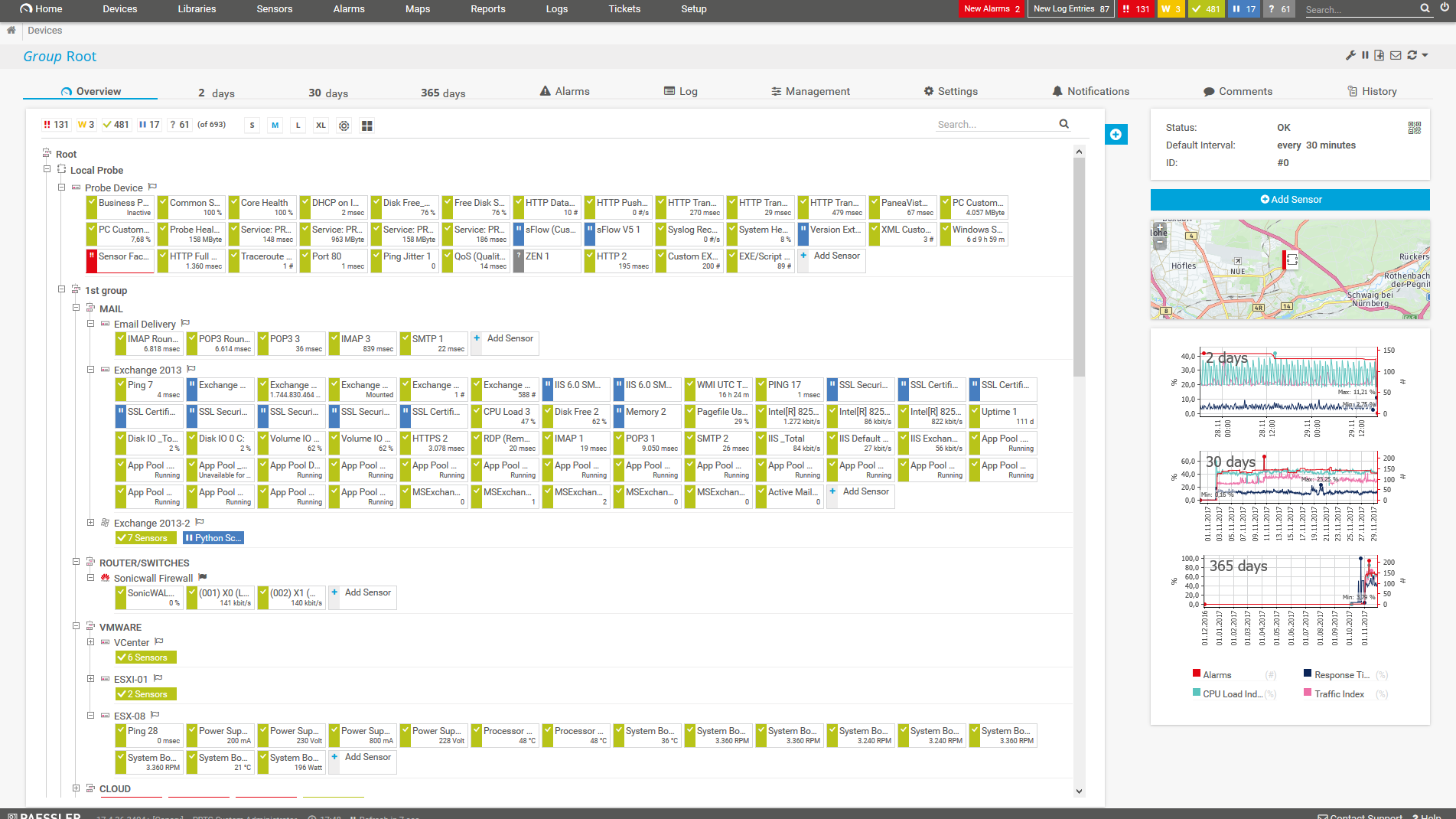
Device tree view of the complete monitoring setup
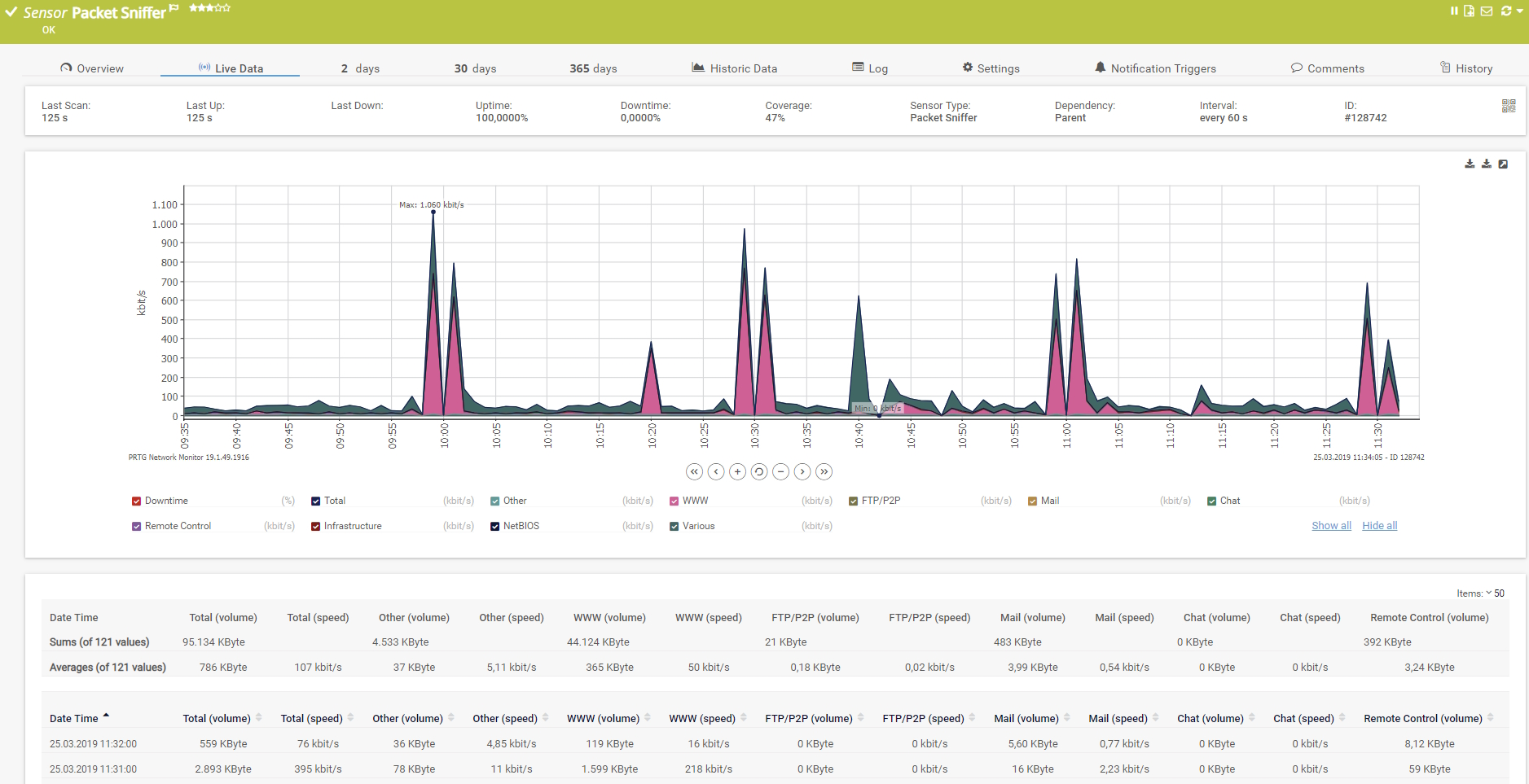
Live data graph of a Packet Sniffer sensor
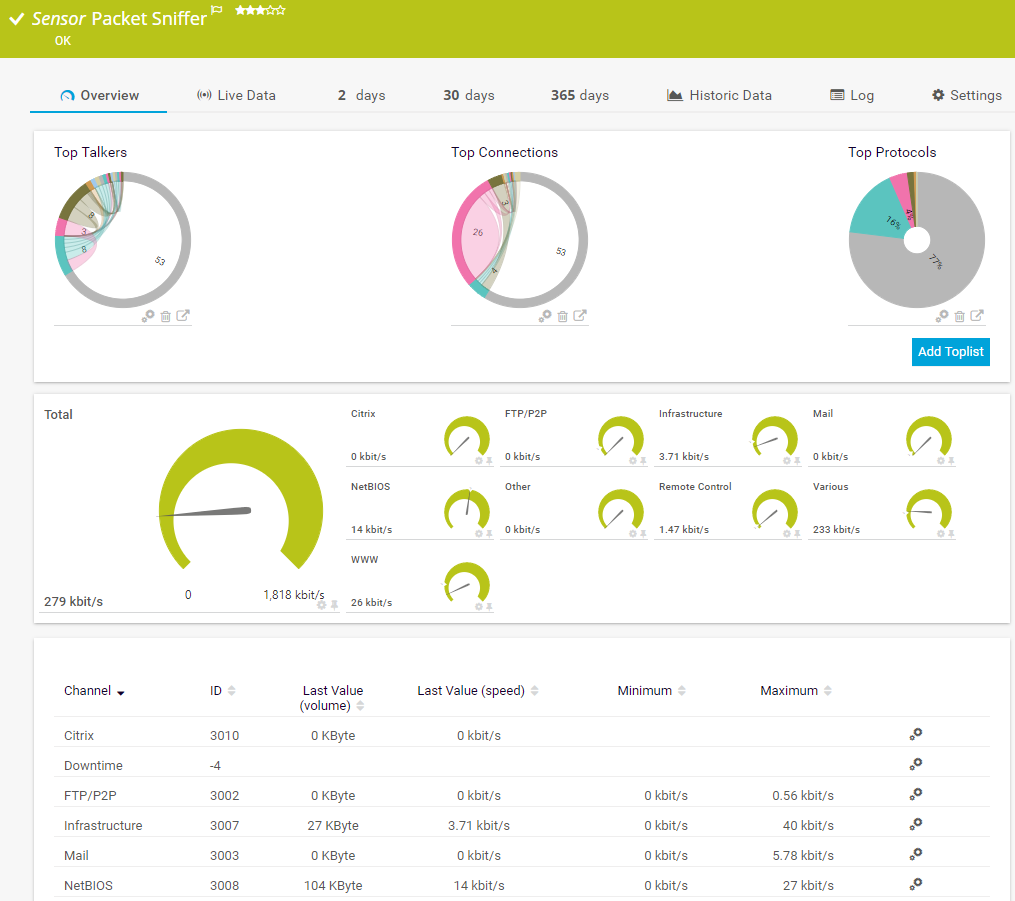
Packet Sniffer sensor in PRTG

“All-around winning
network monitor”

“The real beauty of PRTG is the endless possibilities it offers”

“PRTG Network Monitor
is very hard to beat”
Custom alerts and data visualization let you quickly identify and prevent network performance issues.
PRTG is set up in a matter of minutes and can be used on a wide variety of mobile devices.
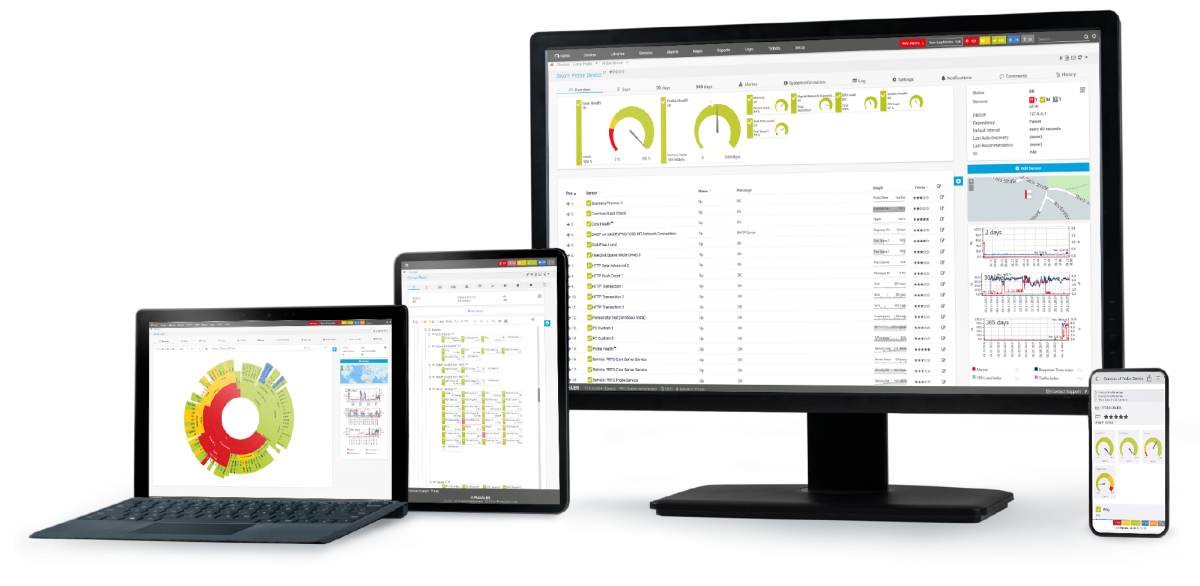
Real-time notifications mean faster troubleshooting so that you can act before more serious issues occur.
A sniffer (also known as network analyzer or packet analyzer) is a software that can intercept and log traffic on a network. The tool captures each packet that flows across the infrastructure and analyzes its content.
PRTG is a proprietary software that shows you, as a network sniffing tool, how much traffic is flowing through your network and where it's coming from in real time. It logs every data packet and analyzes its content, so it's quick and easy to track how much bandwidth you're using and troubleshoot performance issues.
Because it helps you identify and address network performance issues before it's too late. It's like having a personal guard dog with a highly sensitive nose, continuously sniffing for signs of trouble. But a network sniffer isn't just for troubleshooting. It's also useful for the following:
The simple answer is: it depends (and no, we're not trying to sidestep the question). The free sniffer tool is perfect for diagnosing a specific problem, or if you have a small network and only need to monitor traffic from limited sources. But if you have a larger, more complex network and need comprehensive monitoring, alerting, and reporting, the full version is probably the better choice. Still unsure? Try the full version for 30 days, completely free. No catches.
We're so confident you'll love PRTG that it comes with a free, no-obligation 30-day trial. Should you decide to keep using it, you can find our pricing list here.
In PRTG, “sensors” are the basic monitoring elements. One sensor usually monitors one measured value in your network, for example the traffic of a switch port, the CPU load of a server, or the free space on a disk drive. On average, you need about 5-10 sensors per device or one sensor per switch port.
Paessler PRTG is used by companies of all sizes. Sysadmins love PRTG because it makes their job a whole lot easier.
Bandwidth, servers, virtual environments, websites, VoIP services – PRTG keeps an eye on your entire network.
Everyone has different monitoring needs. That’s why we let you try PRTG for free.
