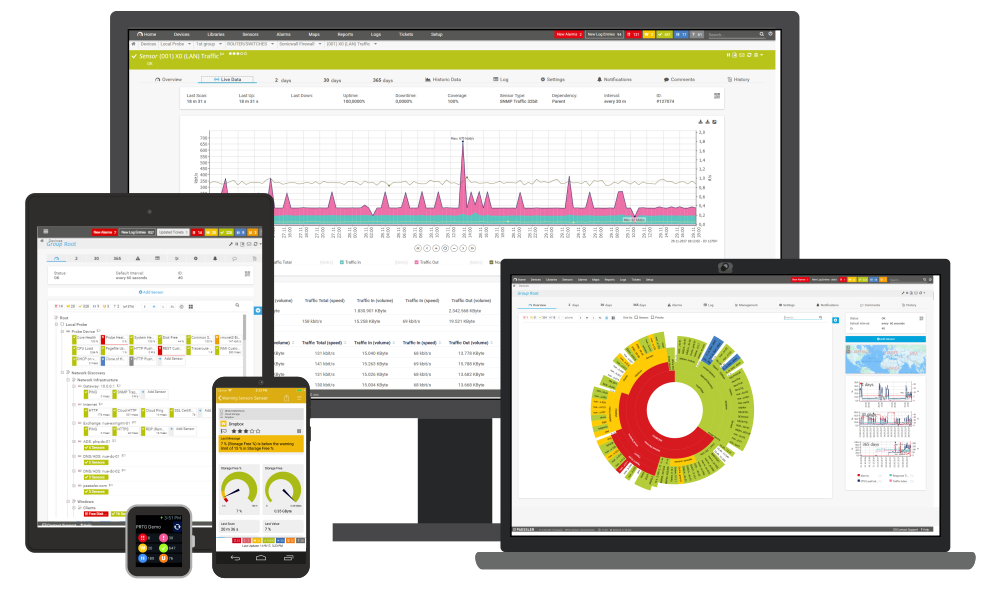
With this mobile network monitoring solution you can monitor your network wherever you are. iPRTG is an iPhone app which makes it possible to monitor your network while you are travelling. If you are using the PRTG network monitoring software from Paessler, all you need is an iPhone and the iPRTG application to check your network performance from anywhere. The iPhone requests the monitoring data directly from the PRTG-Server and iPRTG displays it in a format specially developed for the iPhone.
iPRTG is a personal network monitoring assistant for your PRTG Network Monitor software. Always with you on your iPhone, it allows to view the current status of your network on the go.
All Information at a Glance
iPRTG connects to your PRTG server and displays the following information:
- Status Bar: The current sensor stats are always shown at the top (e.g. how many sensors are down, up, paused, etc.)
- Home Screen: Shows your favorite sensors and their current state—simply tap an item and get in-depth information
- Devices: Displays the "sensor tree" with groups and devices; you can navigate through the tree
- Sensors: Gives you various sensor lists of your PRTG configuration (fastest/slowest ping, highest/lowest bandwidth, and many more)
- Alarms: Shows all sensors that are currently in an alarm state (unusual, warning, down)
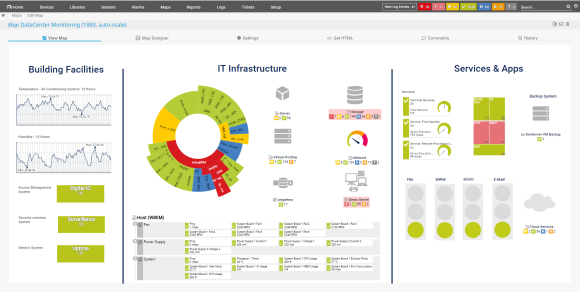
- Maps: You can select a map and view it within iPRTG with one simple tap
Perform Actions
You can perform the following actions from within iPRTG:
- Pause monitoring for a sensor or device (for a limited time, or indefinitely)
- Acknowledge an alarm
- Resume monitoring
- Check a sensor now
- Add a sensor to the favorites list
Detailed Sensor Information
For each sensor you will be able to access the following information:
- Settings: Name, sensor type, interval
- Results: Latest monitoring results (including all individual channels)
- Events: Last up/down event
- Stats: Total Uptime/Downtime
- Graphs: Last 24 hours, 2 days, 30 days, 365 days
Features
- Connectivity: iPRTG connects to PRTG servers using HTTPS or HTTP over VPN, 3G, EDGE, GPRS, or WiFi/wireless LAN
- Flexibility: Supports multiple accounts on multiple PRTG servers, you can quickly switch between accounts/servers
- Interactivity: iPRTG updates the overall status data of all sensors every 30 seconds and vibrates when new alarms occur
System Requirements
- iPhone, iPod Touch, or iPad; with OS 3.x or later
- A computer running PRTG Network Monitor (V7.3.5 or later)
- The web interface of the PRTG server must be accessible for the iPhone over VPN, 3G, EDGE, GPRS, or WiFi/WLAN
About PRTG
PRTG Network Monitor is the powerful network monitoring tool from Paessler. The network port monitor will help you reduce costs, increase quality of service and react proactively to downtimes and system failures.
Download the freeware or the free trial and start monitoring your network today.