




Custom alerts and data visualization let you quickly identify and prevent network congestion and unusual data traffic.
PRTG's all-in-one network monitoring, including packet sniffing, gives you valuable insights about your IT infrastructure and network performance. PRTG is a packet sniffer tool for Windows that offers a number of possibilities for bandwidth monitoring and network traffic analysis.
PRTG comes with various preconfigured sensors for monitoring and analyzing data packets, using different technologies like packet sniffing, SNMP, WMI, and flow (NetFlow, jFlow, sFlow, IPFIX). You can therefore decide on a case-by-case basis which protocol works best for you.
For example, you may decide to use NetFlow for your Cisco hardware or SNMP for an overview of your overall traffic. PRTG is the perfect network sniffer for all your hardware.
PRTG shows clearly which applications use most bandwidth and how much traffic flows through your network. Its easy-to-read dashboards offer a quick graphical overview as well as detailed statistics about different parameters such as CPU usage or network bandwidth utilization.
Thus you are able to stop bandwidth bottlenecks and put your resources to better use.
PRTG’s toplists provide charts of protocols, connections, and the IP addresses of devices that are the top talkers in your network. You also get a detailed overview of mail traffic, file transfer traffic, remote control traffic, and more.
Not what you need? No problem. You can easily customize your packet sniffing to suit and create your own toplists based on the information you require.
Diagnose network issues by continuously tracking captured packets on single devices or in your entire network. Show Show packet loss, suspicious network activity, bandwidth usage by IP, protocol, or application, and other key metrics in real time. Visualize monitoring data in clear graphs and dashboards to identify problems more easily. Gain the overview you need to troubleshoot network congestion and prevent bandwidth bottlenecks.
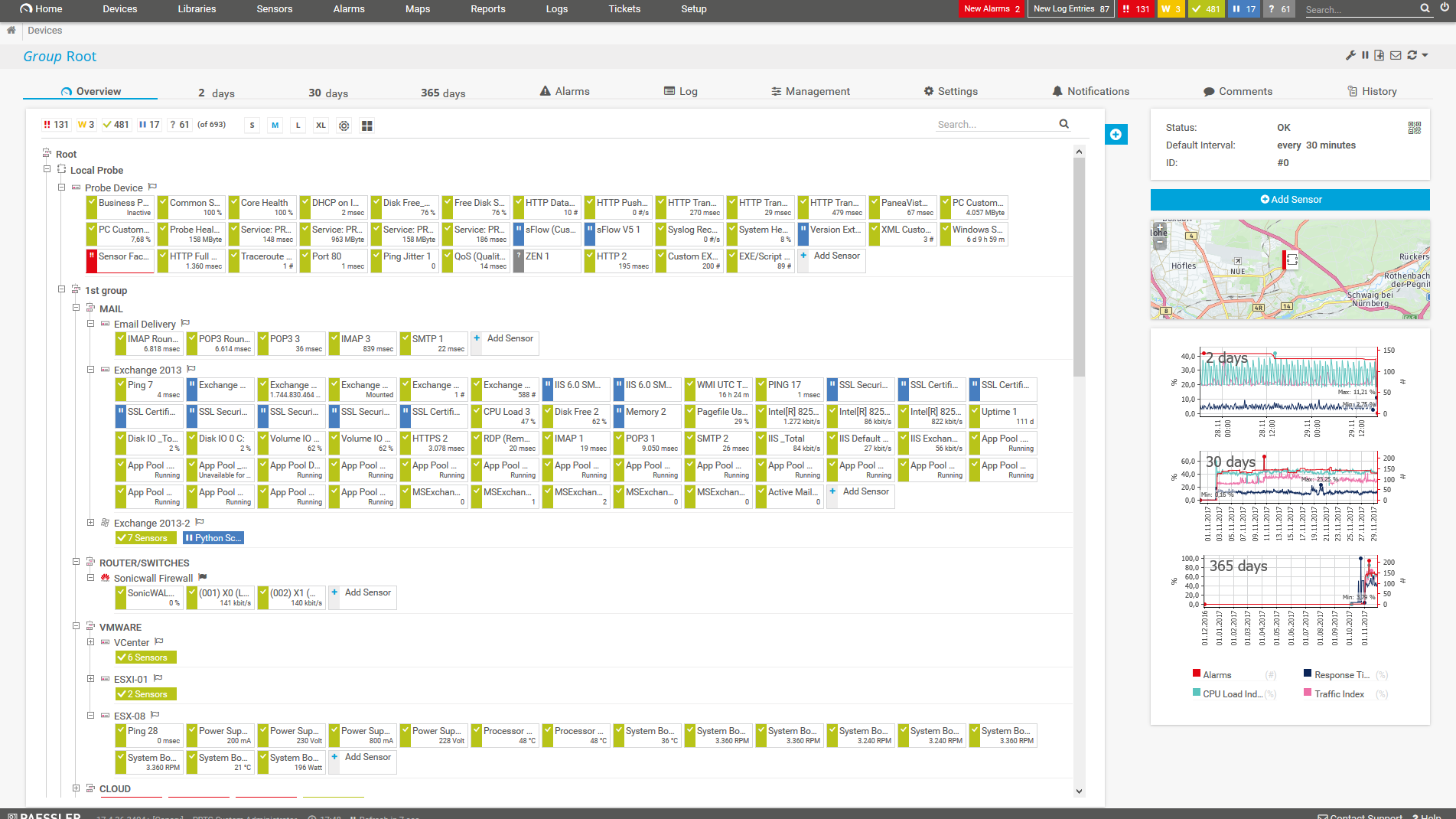
Device tree view of the complete monitoring setup
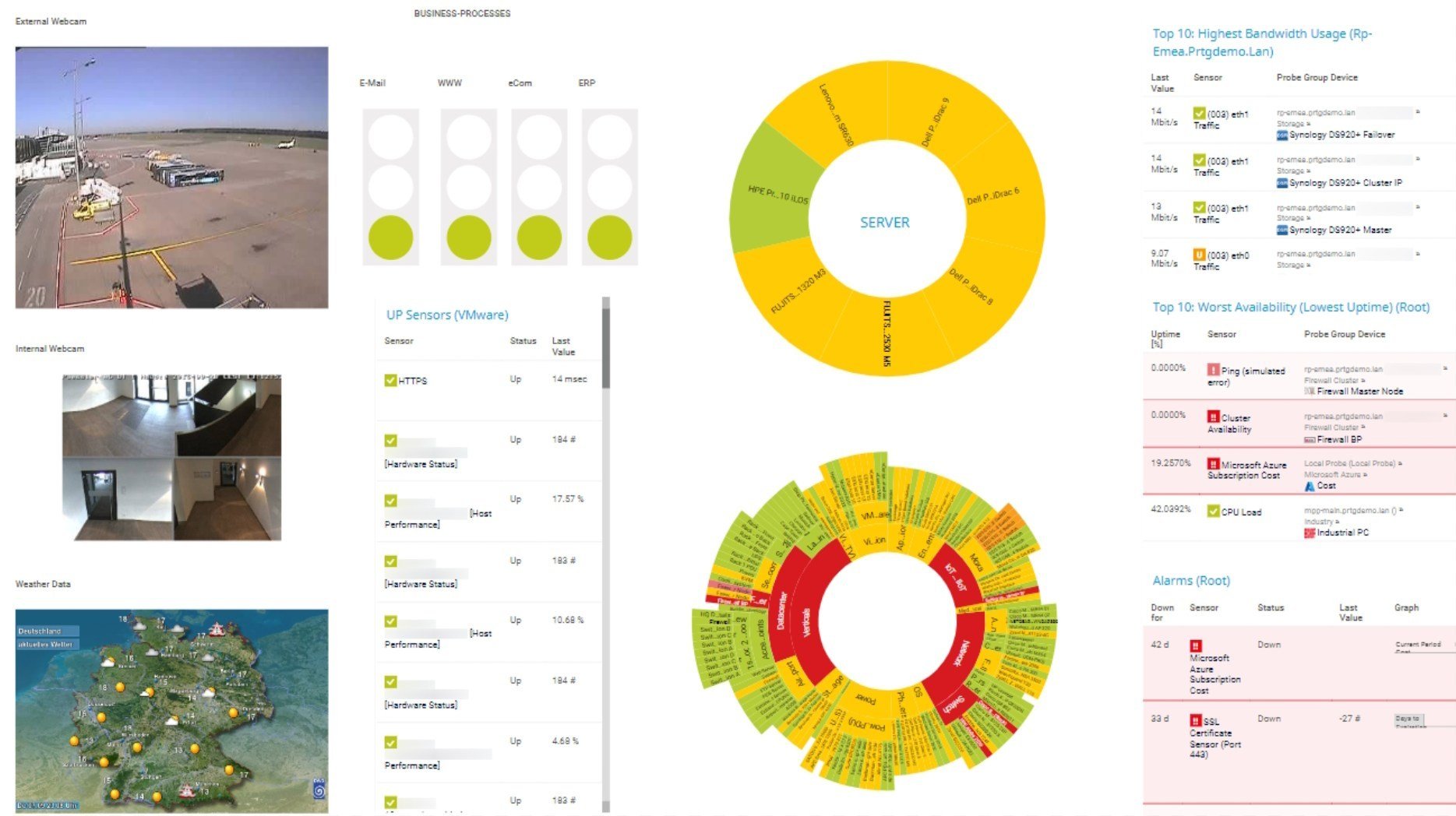
Custom PRTG dashboard for keeping an eye on the entire IT infrastructure
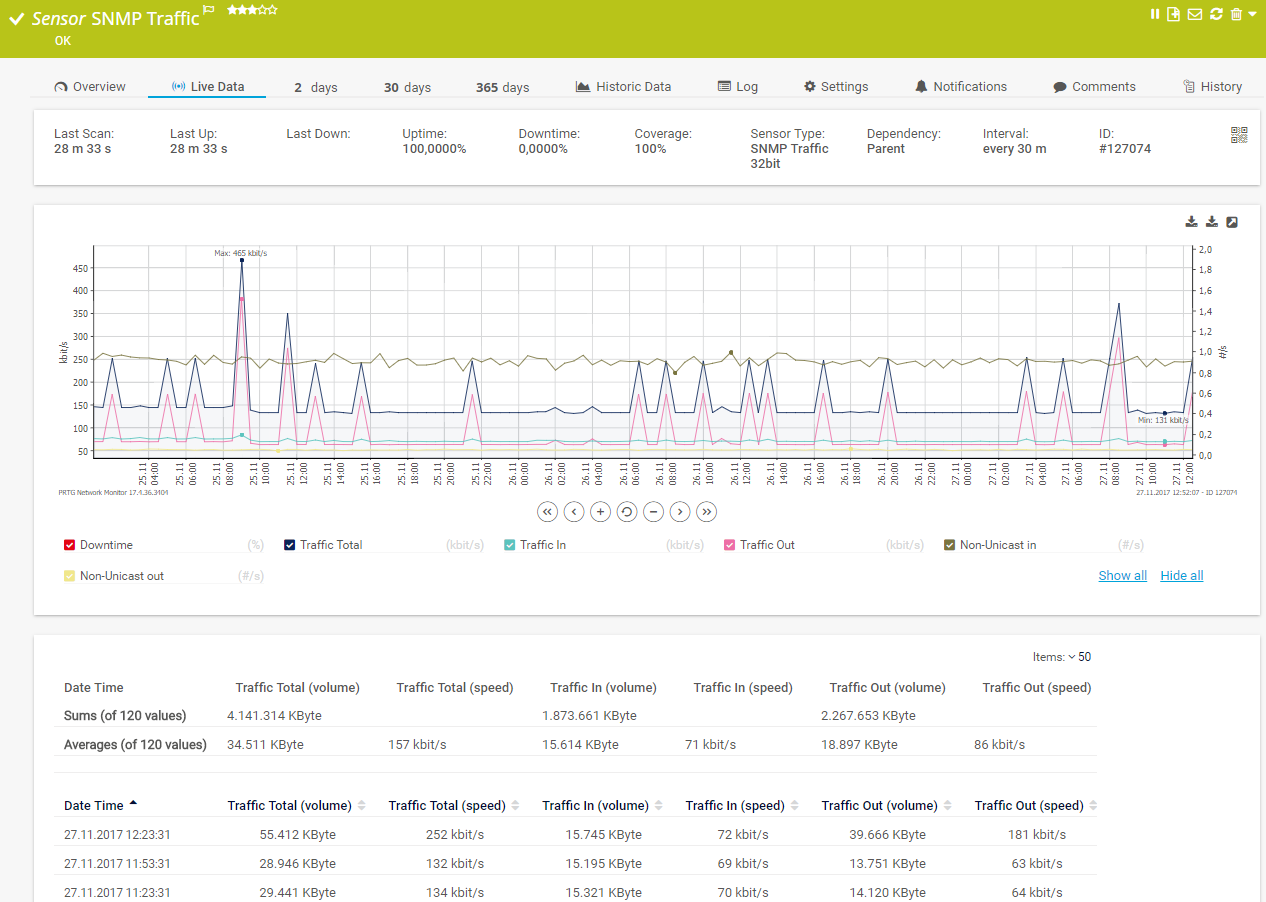
Live traffic data graph in PRTG

“All-around winning
network monitor”

“The real beauty of PRTG is the endless possibilities it offers”

“PRTG Network Monitor
is very hard to beat”
A server administrator at a medium-sized company with around 5,000 employees finds that for two days, bandwidth use has increased sharply.
Using the PRTG’s packet sniffer, he determines that a new cloud app is using too much bandwidth, resulting in additional demands on the network infrastructure.
An admin at a company with around 15,000 employees wants to find out if it is possible to cut back on the amount of bandwidth that is ordered from their bandwidth service provider.
Using packet sniffing, they find out that the company's total bandwidth consumption is significantly lower than the amount which has been purchased. By using the packet analyzer, costs can be reduced in the long term.
A network administrator at a medium-sized medical technology company filters traffic according to IP addresses and network protocols. They use a packet analyzer and find that P2P data is circulating via a certain IP address outside business hours.
They may therefore be dealing with a network security problem, which, thanks to PRTG monitoring, can quickly be fixed.
Custom alerts and data visualization let you quickly identify and prevent network congestion and unusual data traffic.
PRTG is set up in a matter of minutes and can be used on a wide variety of mobile devices.
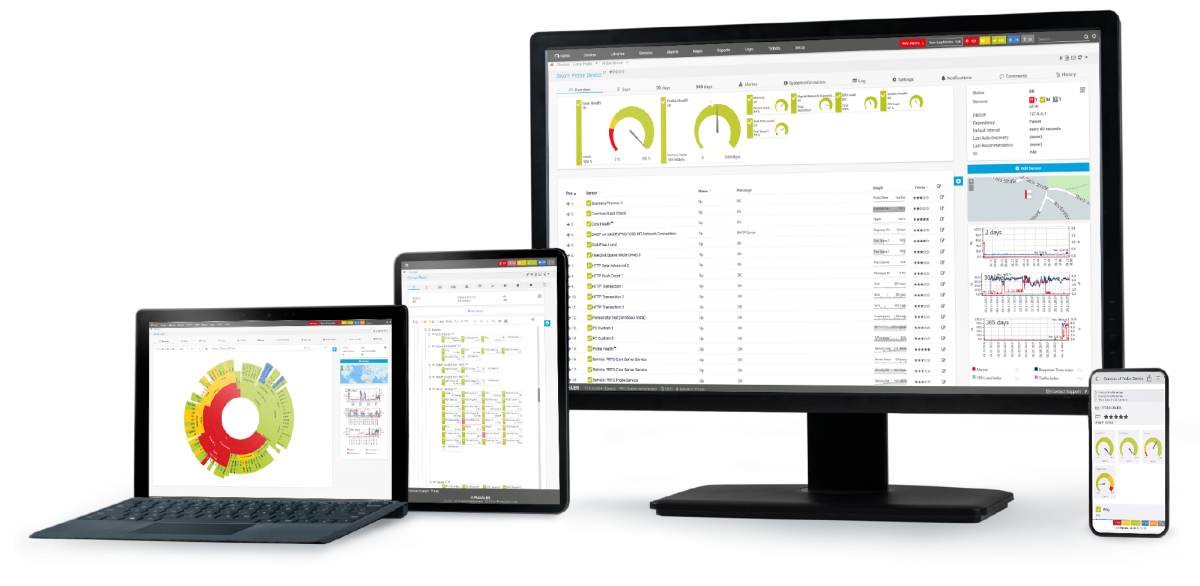
Real-time notifications mean faster troubleshooting so that you can act before more serious issues occur.
Packet sniffing is the process of capturing each packet that is transmitted over the network and analyzing its content. Most of the time, packet sniffing is used to troubleshoot network problems or to gather network statistics. The software or device used for capturing packet data is called packet sniffer, packet analyzer, network sniffer, or simply network analyzer.
A packet sniffer, also known as a network analyzer or protocol analyzer, is a tool used to capture, analyze, and monitor network traffic. It offers several benefits, particularly in network management, security, and troubleshooting. Here are the key benefits:
Option #1: Monitor data traffic on one device
If you wish to monitor just one single device or endpoint – such as your web server – then do the following: Install a remote probe on the device. Create a Packet Sniffer sensor and select the kind of traffic you want to monitor. You can usually choose between the most important network protocols.
Option #2: Monitor all your data traffic
If you wish to monitor your entire IT infrastructure, you must ensure that all your data traffic is captured. Set up a monitoring port on a central router or switch. Use a network cable to connect the router or switch to the network card of a computer that is running a PRTG probe. Copies of all data packets are now traveling via your probe system and you can create a Packet Sniffer sensor on the corresponding probe device. Filter according to the information you wish you monitor.
Mail traffic sniffing with PRTG
IT managers and system administrators need to be informed immediately if mail traffic suddenly goes through the roof. Spikes in traffic can be caused by a single email. On the other hand, maybe your mail server has been attacked. Traffic sniffing is therefore vital to the security of your network.
File transfer sniffing with PRTG
You’ll also want to keep an eye on your FTP servers. Here, traffic sniffing means making sure uploads and downloads function properly. But that’s not all: it also lets you detect disruptions or unusual spikes in data.
LAN sniffing with PRTG
Many administrators are in search of LAN sniffer or Wi-Fi sniffers. Why? Because spikes in ethernet or wireless network traffic can lead to malfunctions and disruptions, causing performance to plummet. LAN sniffing is also useful for getting an overall idea of the resources and data types that are generating the most traffic.
In PRTG, “sensors” are the basic monitoring elements. One sensor usually monitors one measured value in your network, for example the traffic of a switch port, the CPU load of a server, or the free space on a disk drive. On average, you need about 5-10 sensors per device or one sensor per switch port.
Paessler PRTG is used by companies of all sizes. Sysadmins love PRTG because it makes their job a whole lot easier.
Bandwidth, servers, virtual environments, websites, VoIP services – PRTG keeps an eye on your entire network.
Everyone has different monitoring needs. That’s why we let you try PRTG for free.
